警示
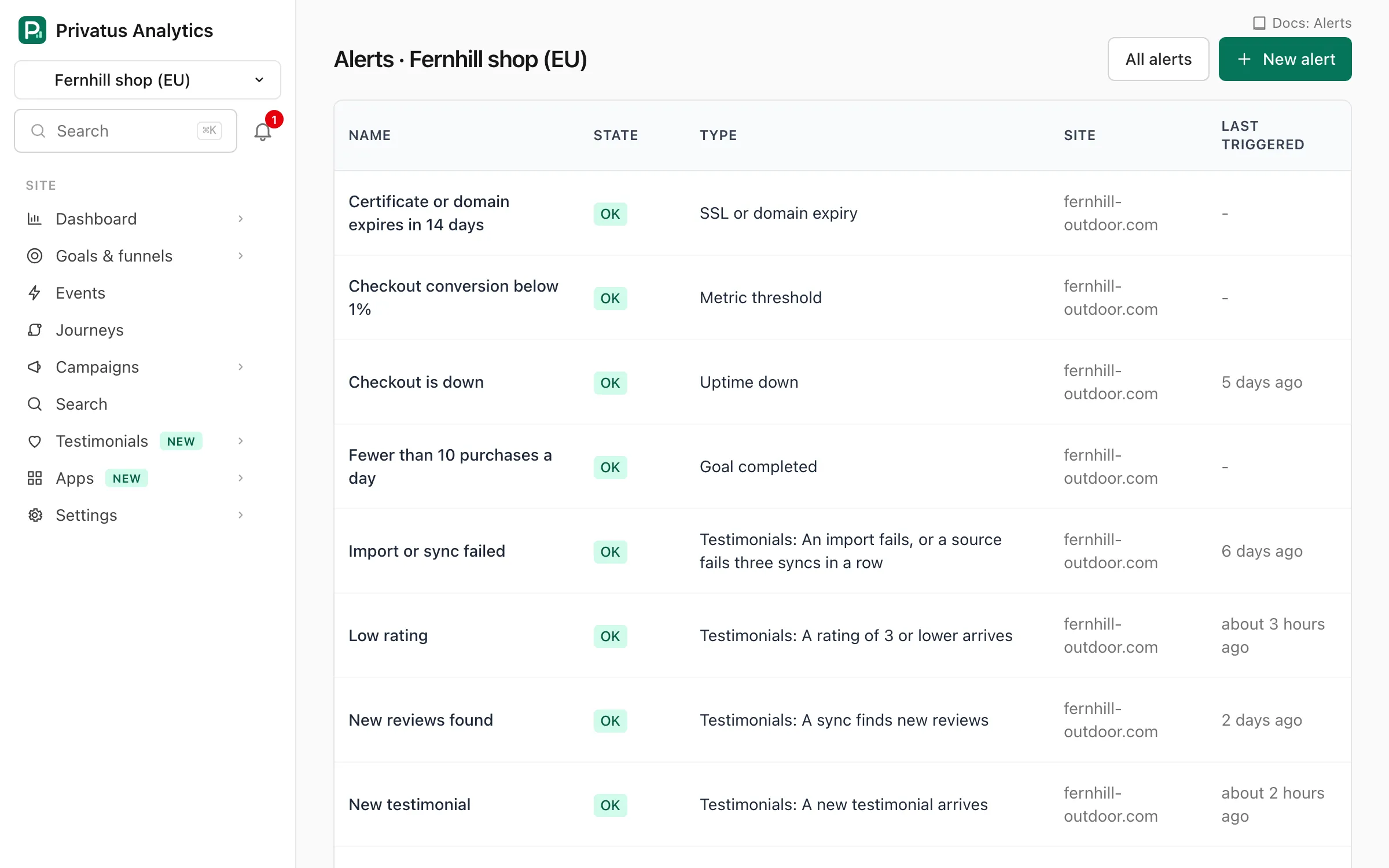
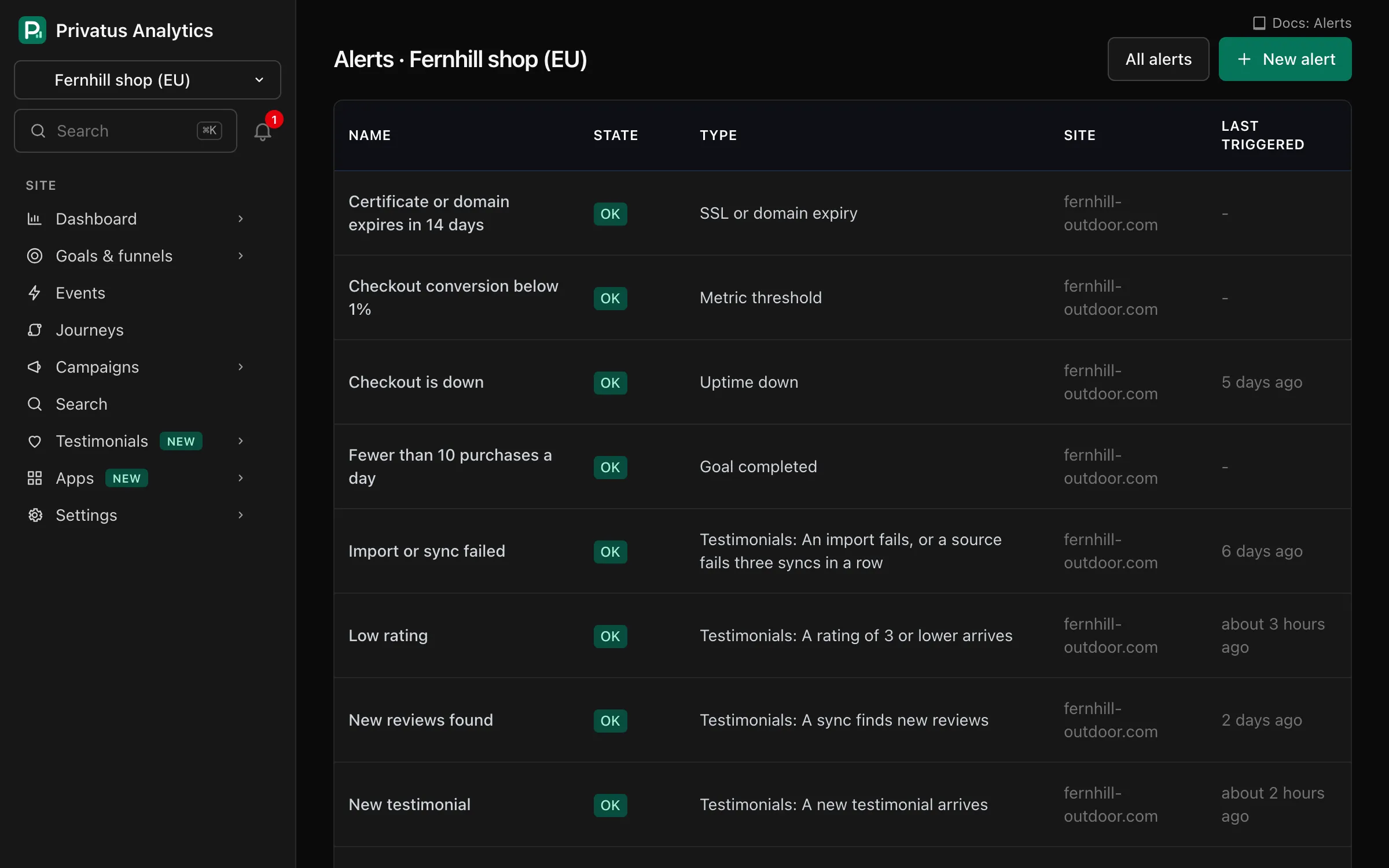
在有變化時通知您的分析警示
警示是每 5 分鐘檢查一次的規則。當它的條件成立時,您的管道會收到一次通知,條件解除時您會收到「恢復正常」的訊息。電子郵件警示在每個方案中都有。
不需要信用卡。60 秒即可完成設定。
九種規則
指標門檻、異常、目標、新參照來源、缺少指令碼、方案用量、停機、SSL 或網域到期,以及 Web Vitals。
針對變化的警示
將一個區間與其之前的區間,或一週前的同一區間比較,並在變化百分比達到時觸發。
流量的一部分
只計算共用區隔中的造訪,例如一個頁面、一個來源、一個行銷活動或一個國家。
該安靜時就安靜
規則觸發時只發一次通知,計畫性工作期間可靜音,並有限制能避免反覆開關的規則塞爆收件匣。
各方案的管道
管道在每個工作區設定一次,並可供任何規則重複使用。電子郵件在每個方案中都有,每個管道最多 20 個地址。Pro 增加 Slack、Microsoft Teams、Discord、webhook 與瀏覽器推播。Business 增加 PagerDuty 與 Opsgenie。
雜訊控制
將警示靜音一小時、一天或一週。靜音的警示仍會被檢查,也仍會記錄歷史。只有它的管道保持安靜。
- 警示每次觸發及其解除時間的歷史紀錄
- 確認事件,向團隊表明已有人在處理
- 每封警示電子郵件都有取消訂閱連結
觀看:流量警示:註冊下滑時幾分鐘內就知道(2:13)
流量警示會在註冊下滑、結帳壞掉或網站當機時幾分鐘內通知您,而不是等到週一。只有一則訊息,之後是解除通知,絕不洗版。
逐字稿
Your signups dropped to zero on Friday night. You found out on Monday. That's a whole weekend of sales, gone.
I'm James, founder of Privatus Analytics. Let me make sure that never happens to you.
Here's how a weekend like that happens. A deploy on Friday afternoon breaks the checkout button. Nothing crashes, nothing errors, the page just stops converting. Nobody watches a dashboard on a Saturday. So the first sign is a customer email on Monday, or worse, a quiet month-end. It isn't only breakages. A tracking script goes missing after a redesign and you lose two weeks of data. A post takes off and you find out after the moment has passed. You tried alerts before. They pinged you for every wobble, ten times a day, until you muted them. Then the real one came and you missed it. Or you bolted on a monitoring tool, with its own script on every page and its own bill, to watch a number your analytics already had. Every hour something goes unnoticed costs you money, and you've got no way to notice.
With Privatus Analytics, tell it what matters, and it keeps watch every five minutes. Traffic, signups, sales, a new site linking to you, or your site going down. Don't know what normal looks like? You don't have to. It compares today with the same time over the last four weeks and spots anything unusual, good or bad. You hear about it once, and again when things are back to normal. No flood of messages. It watches your site being up as well, and warns you before your certificate or your domain expires. No extra script, no extra tool. Alerts arrive by email, Slack, Teams, Discord, or a push to your browser. Or tell Claude or ChatGPT, over MCP: alert me if traffic drops. Done.
You hear about problems in minutes, not on Monday. A broken checkout gets fixed while there's still a weekend to save. And you only get the alerts that matter.
Set your first alert before the weekend. Start free at privatusanalytics.com.
隱私始於設計
沒有 cookie、沒有指紋辨識、沒有個人檔案。IP 位址只在記憶體中使用,絕不儲存。
免費開始,成長後再升級
您的第一個工作區可享 14 天的 Pro,不需要信用卡。之後可繼續使用 Free,或選擇方案。
問與答
警示多快會觸發?
規則每 5 分鐘檢查一次。
警示可以使用哪些管道?
每個方案都有電子郵件。Pro 以上有 Slack、Microsoft Teams、Discord、webhook 與瀏覽器推播。Business 有 PagerDuty 與 Opsgenie。
我會一再收到相同的警示嗎?
不會。規則觸發時與恢復正常時,管道各會收到一次通知。電子郵件也會依每個警示與地址設有限制。