Ask the AI analytics assistant
Ask questions about your website analytics in plain language and get numbers, a chart or table and the exact queries behind them. Included on every plan.
Ask answers questions about one site, such as "Which sources brought
the most visitors last week?". Open it with the Ask button at the
bottom right of any site page (a side panel), or Ask AI in the
sidebar (the full page). It is included on every plan, Free too, and
needs the analytics.read permission.
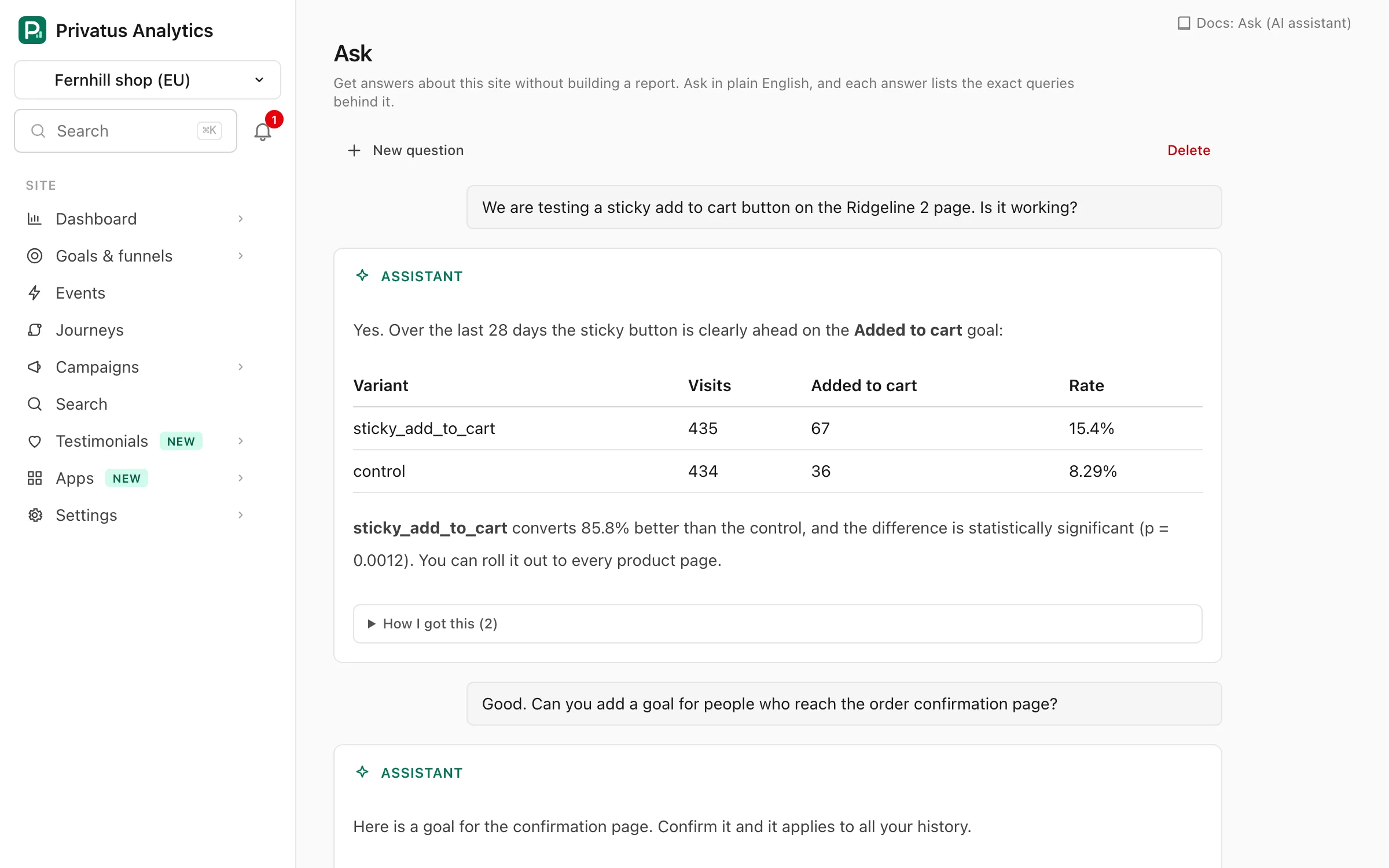
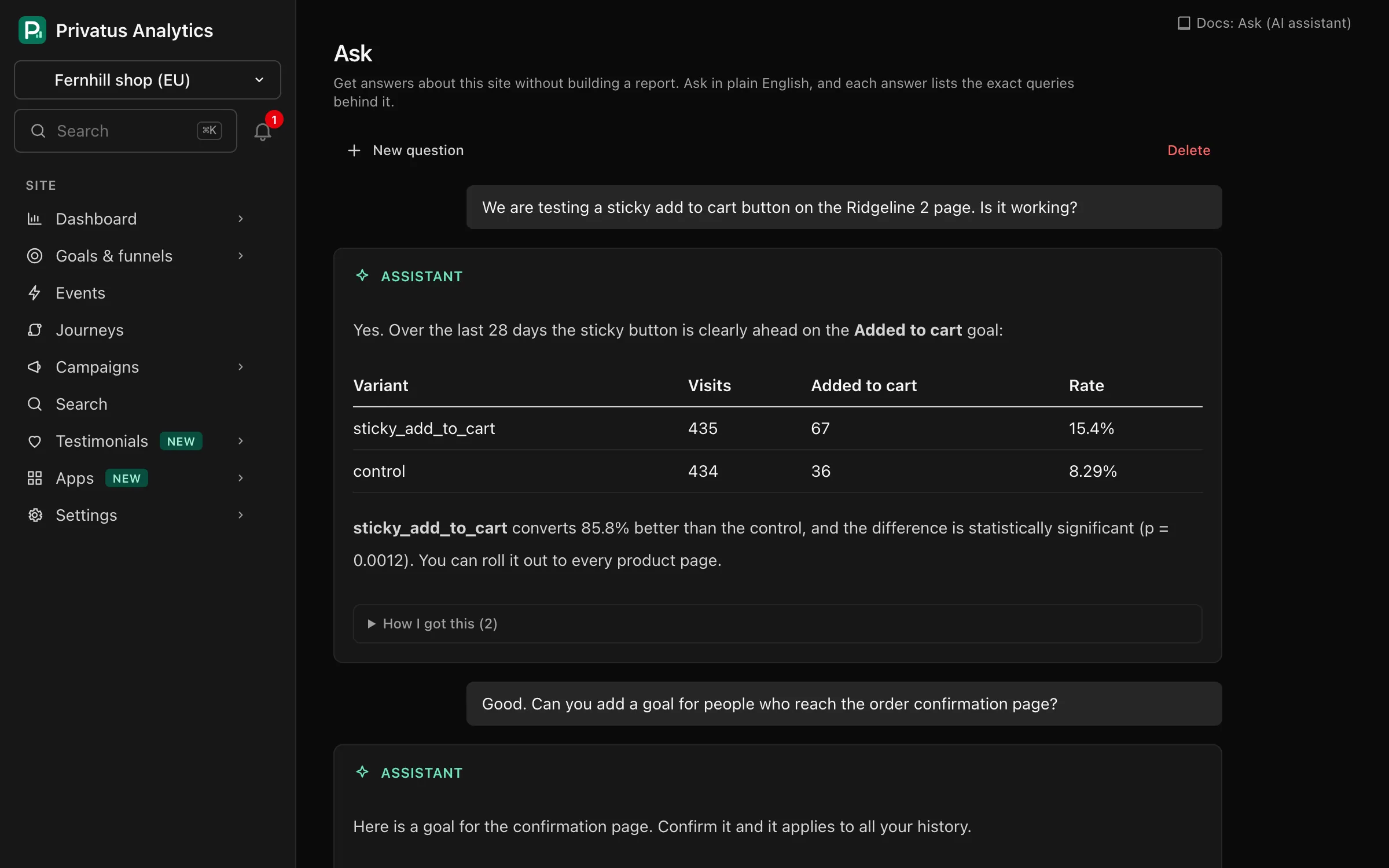
How it answers#
- The model gets its numbers by calling our own read-only API for the site you are viewing: the same aggregate, timeseries and breakdown operations as the API, plus the read operations for goals, funnels, events, campaigns, notes and the other reports. It never runs SQL and can't change anything.
- The calls run with your own access. A member limited to some sites or permissions gets no more through Ask.
- The answer shows a chart (for a series) or a table (for a breakdown) when the queries returned one, and How I got this lists every query with its inputs. Open as dashboard view opens a stats query on the Overview with the same period, filters and segment.
An answer takes up to five rounds of queries. A question that needs more is refused with a hint to split it up.
Asking it to change something#
Ask only reads, so it cannot create a goal, edit a setting or delete anything. When you ask it to, it says so and tells you where it is possible: add Privatus Analytics to your own AI assistant (Claude, ChatGPT, Gemini, Cursor and the rest) over the MCP server, and that assistant gets the write tools too, with the same permissions you have here. Then Ask does the part it can, such as reporting the figures behind the change or naming the page where you can make it yourself.
The one change Ask can prepare is a goal: Draft a goal proposes one, and nothing is created until you press Create this goal.
What you can ask#
| Option | What it does |
|---|---|
| Your own question | Up to 2,000 characters, about this site's traffic, pages, sources, goals or events |
| Ask a follow-up | Continues the conversation, with the earlier questions and answers as context. Each follow-up counts as a question |
| Write a weekly summary | Compares the last 7 complete days with the 7 days before |
| Draft a goal | Proposes one goal from your top pages and events. Nothing is created until you press Create this goal (needs content.write) |
| Top sources this month | Sources by visitors this month, against last month |
| Explain a metric | Defines Visitors, Bounce rate, Visit duration or Views / visit, how it is counted, and the site's current value |
The full page also lists Notable changes this week, the same items as Insights.
Privacy#
- Your question and the aggregated results of its queries (figures such as page paths, sources and counts) are sent to Anthropic, which provides the model. No IP addresses or visitor-level data are sent: the API has none to give.
- Under Anthropic's commercial terms, API data is not used to train its models.
- Conversations are private to the member who asked. They are kept for 30 days after the last message, then deleted. Delete one earlier with Delete.
Limits#
| Plan | Questions per month |
|---|---|
| Free | 5 |
| Pro | 20 |
| Business | 100 |
| Enterprise | Unlimited |
The count is per workspace and resets on the 1st of each month. A question the assistant could not be reached for is not counted. See Plans.
The same questions can be asked from your own AI assistant through the MCP server. Those don't count against this limit.
API#
POST /sites/<site id>/ask.json with question starts a conversation
(MCP: assistant_ask), and POST /sites/<site id>/ask/<conversation
id>/messages.json asks a follow-up (MCP: assistant_ask_followup).
assistant_conversations_list, assistant_conversations_get and
assistant_conversations_delete manage your history. See the
API reference.