Custom events explorer
Explore every custom event with completions, unique visitors and conversion rate, pivot event properties, aggregate numeric values, and rename or merge events.
Events lists every custom event name seen in the date range with:
- completions (total times it fired),
- visits with the event,
- conversion rate (visits with the event ÷ all visits),
- revenue, when the event carries any,
- first and last seen in the range.
The toolbar's date range, filters and segment apply. Search the list by
name. Renamed and merged events show their raw names under the display
name. The same list is available as JSON from the events_list API
operation.
Event detail#
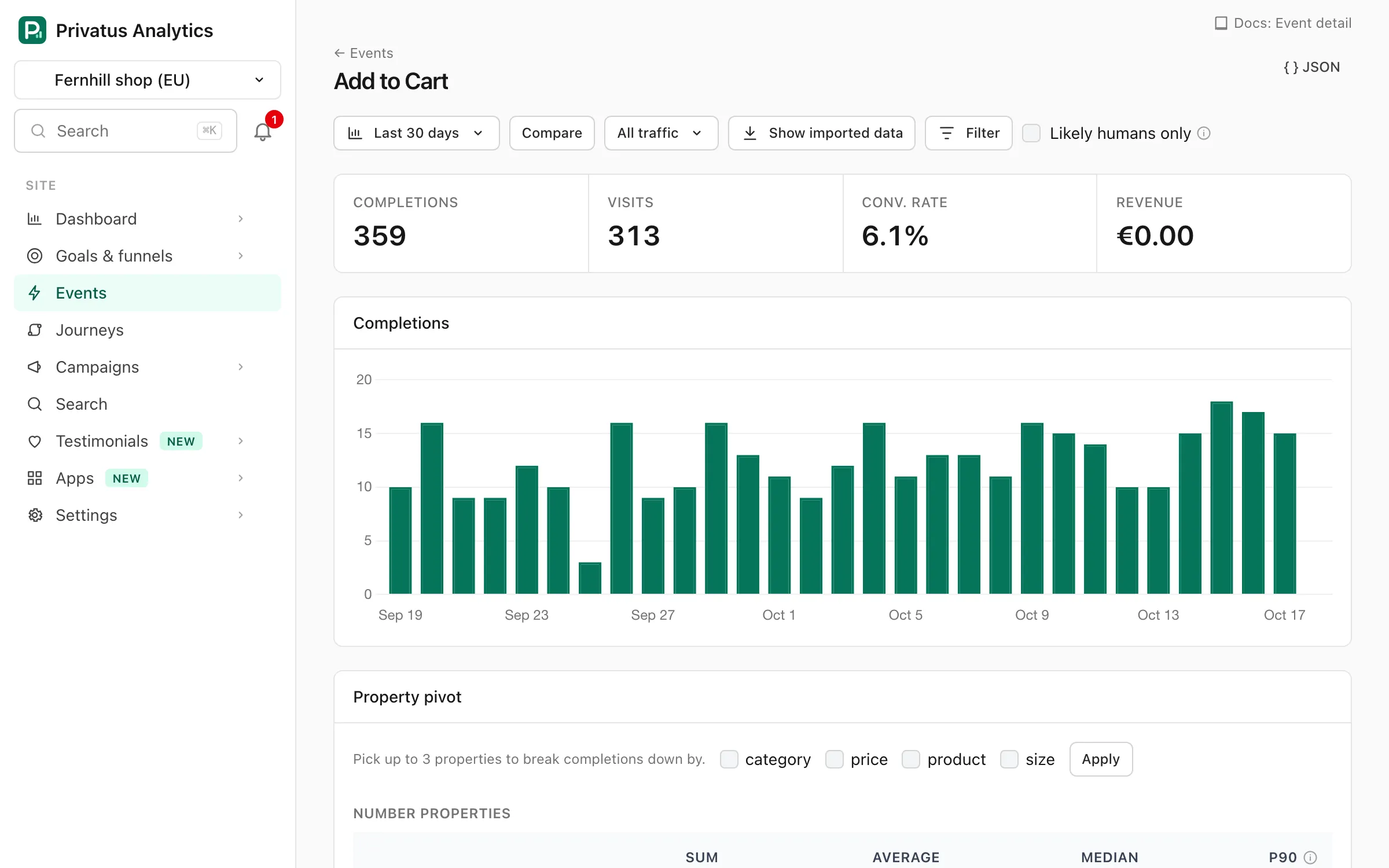
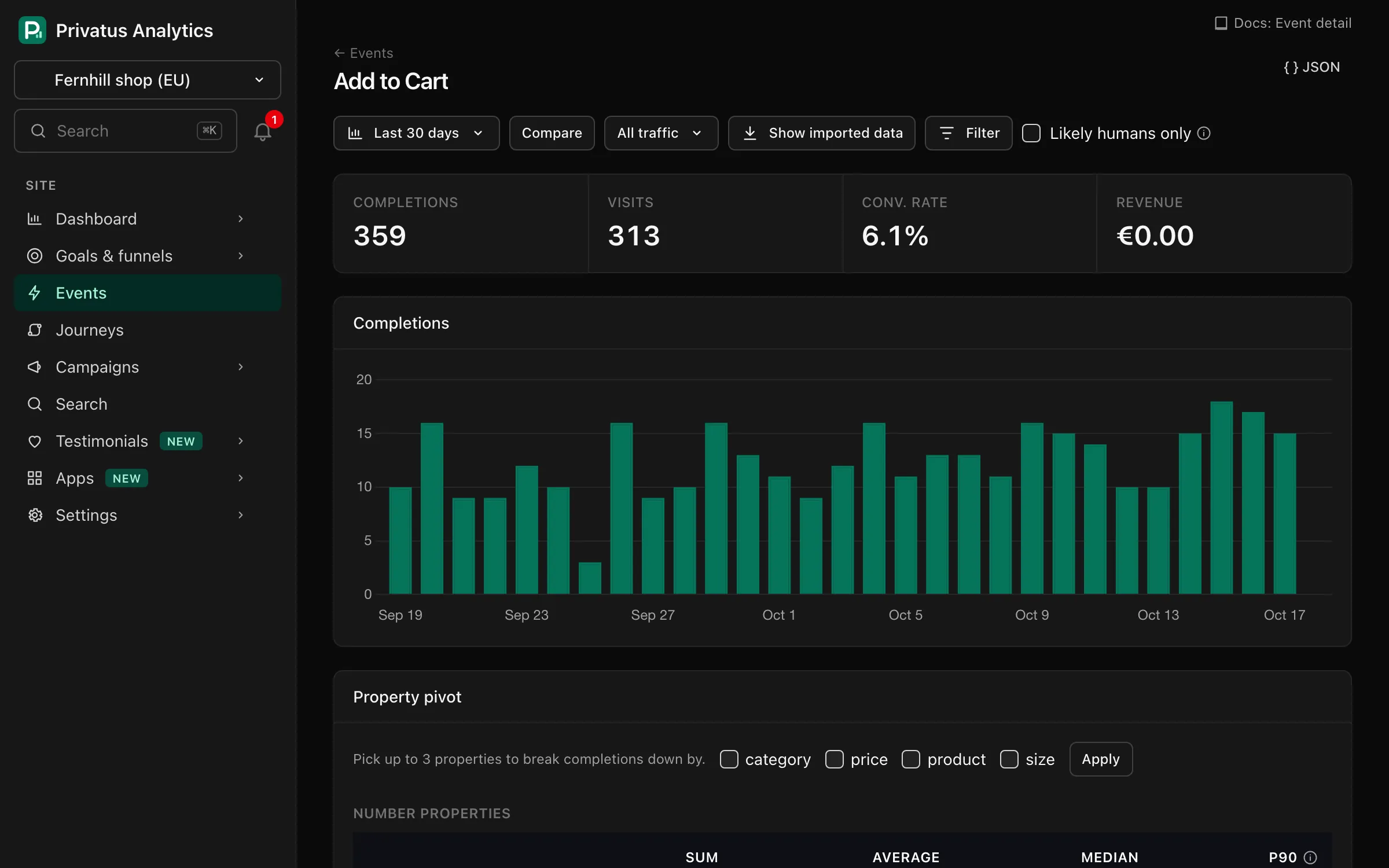
Click an event for:
- completions, visits, conversion rate and revenue for the range,
- a chart of completions over time,
- a property pivot: tick up to three properties and press Apply to split completions and visits by their values (the top 100 combinations),
- for properties sent as numbers, the sum, average, median and p90,
- the top 10 pages where it fired, and the channels and referrers of the visits that fired it.
Managing events#
These actions need the sites.manage permission (Owner, Admin, Editor).
Site settings → Events & properties links to the same pages.
| Action | Where | Effect |
|---|---|---|
| Rename | Event detail | Shows the event under a new name everywhere, for all history. Applied when a report is built, stored data is not rewritten |
| Merge events | Events | Shows several raw names (comma-separated) under one name (Sign up + signup → Signup). Also applied when a report is built |
| Hide | Event detail | Leaves the event out of the events list, the Events panel and Live. No data is deleted |
| Unhide | Events, under Hidden events | Shows a hidden event again |
| Currency | Event detail | A three-letter currency code used for this event's revenue when the event sends no currency. Without it the site currency is used. Applies to events received from then on |
| Delete with history | Event detail | Permanently deletes every stored event with that raw name. Type the name to confirm. The event is hidden right away and the rows are deleted in the background |
Property settings#
Click Property settings on the Events page, or Site settings → Events & properties → Manage properties. The page lists the property keys of the site's custom events:
- every key seen in the last 30 days (up to 200), most used first, with the number of events that carried it,
- keys you saved a setting for earlier, even when no event carried them in the last 30 days.
Each row has three settings and its own Save button:
| Setting | Effect |
|---|---|
| Label | A display name shown in place of the key in an event's property list and pivot (up to 64 characters). Clear it to show the key again |
| Hidden | Leaves the key out of the property list on the event detail page |
| No personal data | Confirms the key never holds personal data. Only keys marked this way are included in raw event exports and warehouse syncs |
Labels and hiding are applied when a report is built. Stored data is not
changed, and the key itself stays the same, so filters and the API still
use it as prop:<key>.
Note: Row-level data leaves the product without any property you
haven't marked. To get plan into a raw event export (Pro and up) or
a warehouse sync (Business), tick No personal data for plan
first. See Exports.
Seeing the page needs analytics.read. Changing a setting needs
sites.manage (Owner, Admin, Editor). Other members see the labels and
flags without the form.
Free: 10 distinct property keys per site. Paid plans: unlimited. On Free, keys already in use keep working, and an event that brings an 11th key is stored without that property. The list of keys in use is rebuilt every day from the most used keys of the last 30 days, so a key you stop sending frees its place.
API#
| Operation | Request | MCP tool |
|---|---|---|
| List events | GET /sites/<site id>/events (optional search) |
events_list |
| Event detail | GET /sites/<site id>/events/detail?name=Signup (optional properties, up to three keys, and interval) |
events_get |
| Rename, hide, set currency | PATCH /sites/<site id>/events/settings with name and any of display_name, hidden, currency |
events_update |
| Merge | POST /sites/<site id>/events/merge with names and into |
events_merge |
| Delete with history | DELETE /sites/<site id>/events with name and confirm (the same name) |
events_delete (over MCP it only returns a link to the app, see Actions for a person) |
Property settings are GET /sites/<site id>/events/properties (MCP:
event_properties_list, with an optional event to list only the keys
seen on one event name) and PATCH /sites/<site id>/events/properties
(MCP: event_properties_update, with key, display_name, hidden and
export_safe).
The API reference lists every input.