Custom events and properties
Track signups, purchases and other custom events with privatus.track() or HTML attributes, plus naming rules, limits and how events count as usage.
A custom event is something that happens on a page: a signup, a purchase, a video play. Events have a name and optional properties.
privatus.track('Signup', { plan: 'pro', seats: 3 })
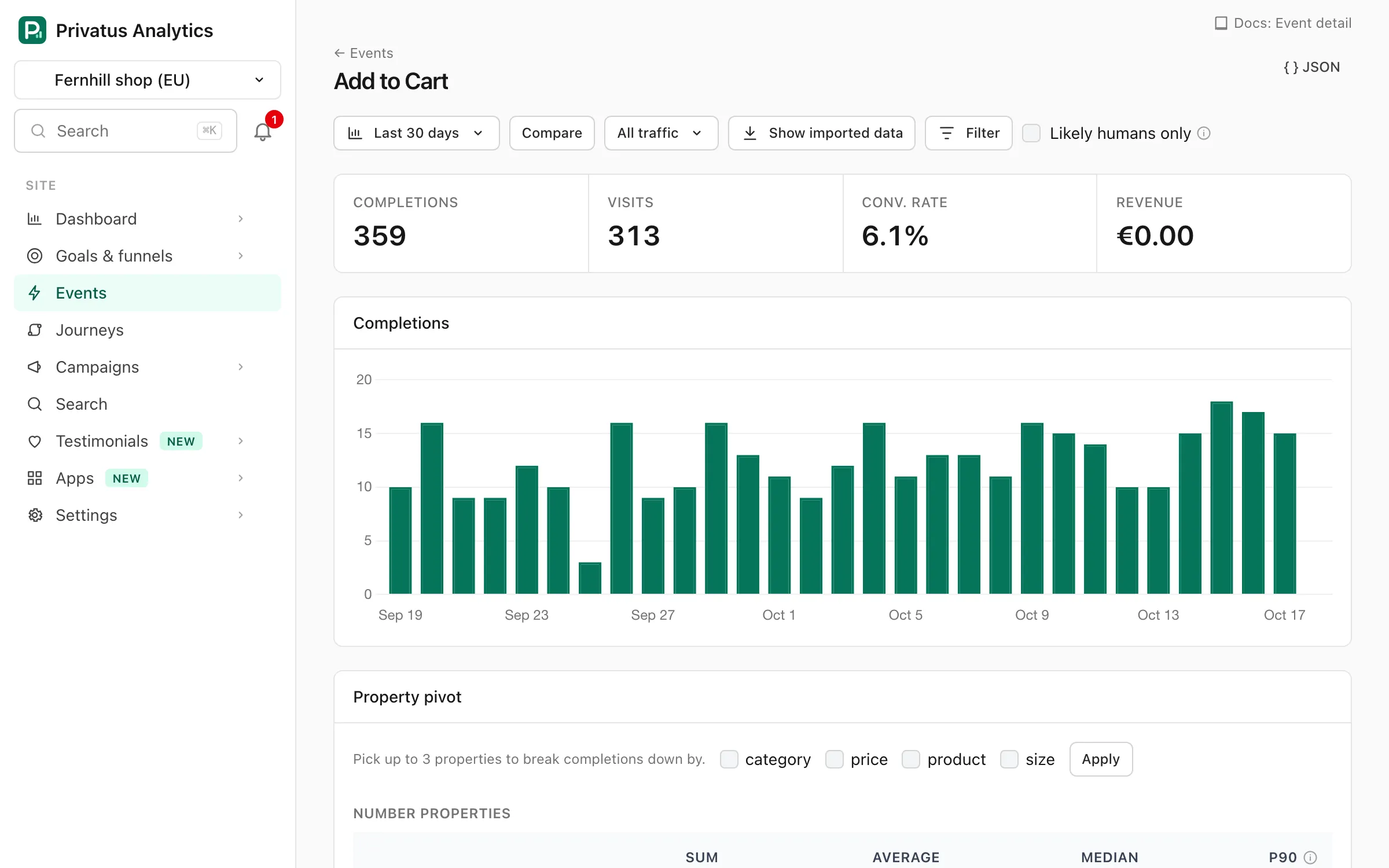
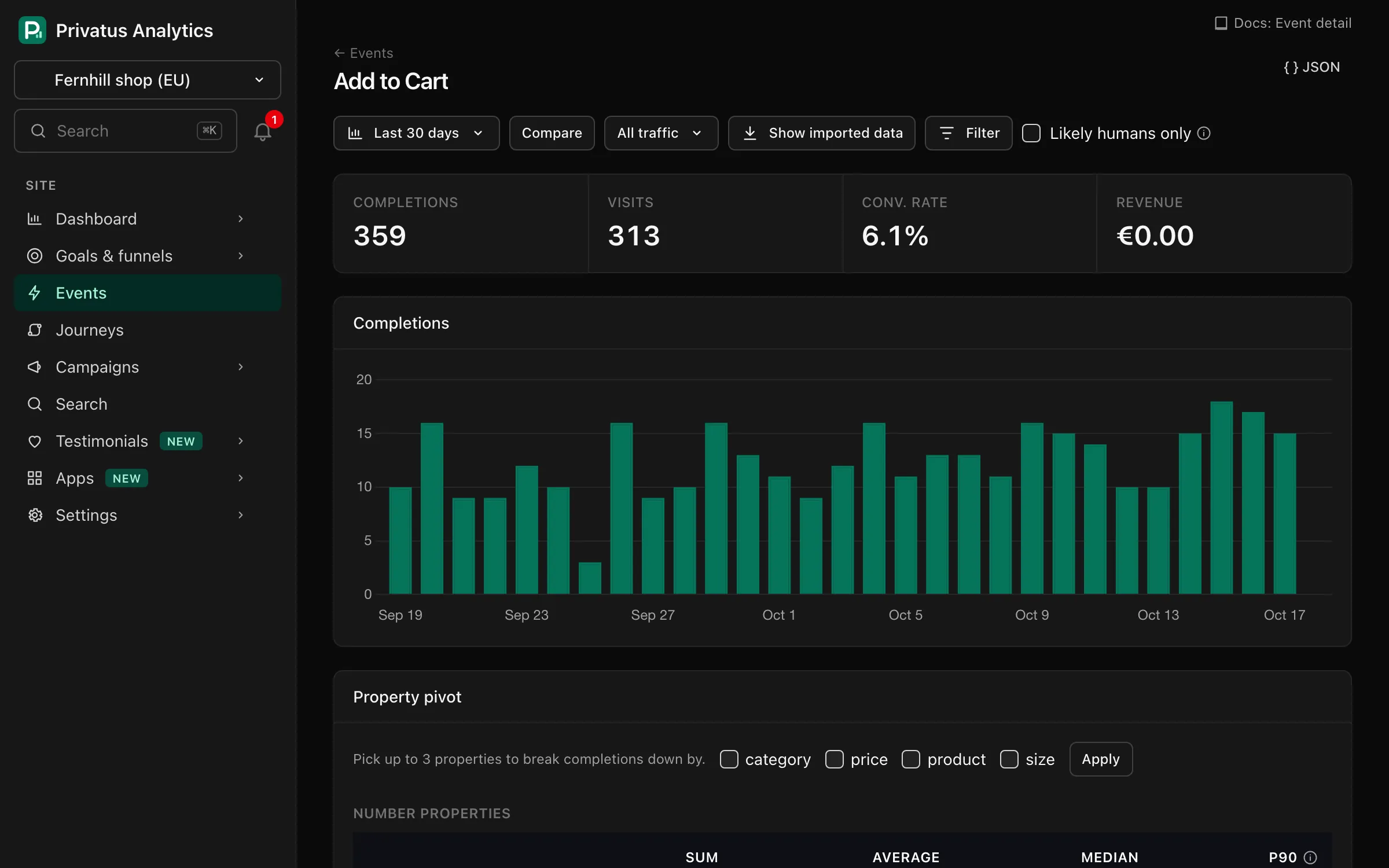
Events appear in the Conversions panel on the Overview and in the Events explorer, and can become goals and funnel steps.
Two ways to send them:
- JavaScript:
privatus.track()(API). - HTML attributes, no code:
data-privatus-event="Signup"(HTML attributes).
The optional auto module
tracks outbound links, file downloads, email and phone links, form submits
and 404s for you.
Naming#
- Up to 120 characters, any language and script. Longer names are cut.
- Leading and trailing spaces are trimmed and Unicode is normalized (NFC),
so
Cafétyped two different ways is one event. - Case is kept for display. Pick one style and stick to it:
Signupandsignupare stored as written, as two events. You can merge names later on the Events page. - Name the action, not the element:
Signup,Checkout started,Invoice downloaded, rather thanBlue button click. - Don't put variable data in names (
Viewed product 123). Use a property.
Limits#
| Limit | Value |
|---|---|
| Event name | 120 characters (longer names are cut) |
| Properties per event | 30, not counting revenue and currency (extra ones are dropped) |
| Property key | 64 characters, a-z, 0-9, _ (see Keys) |
| String value | 500 characters (longer values are cut) |
| Array value | up to 30 strings of up to 500 characters each |
| Revenue | up to 10 billion per event, in either direction (a larger amount is dropped, the event is kept) |
| Property keys per site | 10 on Free, unlimited on paid plans |
| Request body | 32 KB (a larger request is not processed) |
On Free, keys already in use keep working, and an event that brings an 11th key is stored without that property. The list of keys in use is rebuilt every day from the most used keys of the last 30 days.
Usage#
Every custom event counts as one event toward your monthly allowance, like a pageview. Engagement pings, Web Vitals, click-map hits and bots don't count. See What counts as an event.
Managing events#
On the Events page (also reached from Site settings → Events & properties → Manage events) you can:
| Action | What it does |
|---|---|
| Rename | Shows the event under a new name in every report. Applied when a report is built, so it covers all history and stored data is not changed |
| Merge | Shows several names as one |
| Hide | Leaves the event out of event lists. Its data is kept |
| Currency | Sets the currency assumed for the event's revenue when a hit sends none |
| Delete | Permanently deletes the event and its history |
See Events explorer.
Add typed custom event properties (strings, numbers, booleans and arrays) to events and pageviews, see how keys are normalized and query them with prop filters.
Revenue tracking for custom events: attach an amount and ISO 4217 currency, report it in your site currency with ECB rates, and record refunds.
Track clicks and form submissions as custom events without writing JavaScript, using data-privatus-event and data-privatus-prop HTML attributes on any element.
Copy-paste event tracking for signups, checkout funnels, file downloads, outbound links, 404 pages, scroll milestones, video, A/B tests and user plans.