Create your first conversion goal
Track conversions with a goal: count a thank-you page visit or a custom event such as a signup, match paths by prefix, glob or regex, and see all your history.
A goal marks a visit as converted when something happens. There are five types:
| Type | Converts when |
|---|---|
| Page visit | A page matching the pattern is viewed, e.g. /thank-you. |
| Event | A custom event with the given name fires, e.g. Signup. |
| Engagement | A visitor reaches a scroll depth or a time on a matching page. |
| Outbound click | A link to another site is clicked. Needs the tracker's auto module. |
| File download | A file is downloaded. Needs the tracker's auto module. |
Creating goals needs the Owner, Admin, Editor or Analyst role. The Free plan allows 10 active goals per site. Paid plans have no limit.
Goals are evaluated when you query, not when data is collected, so a new goal immediately shows results for your whole history.
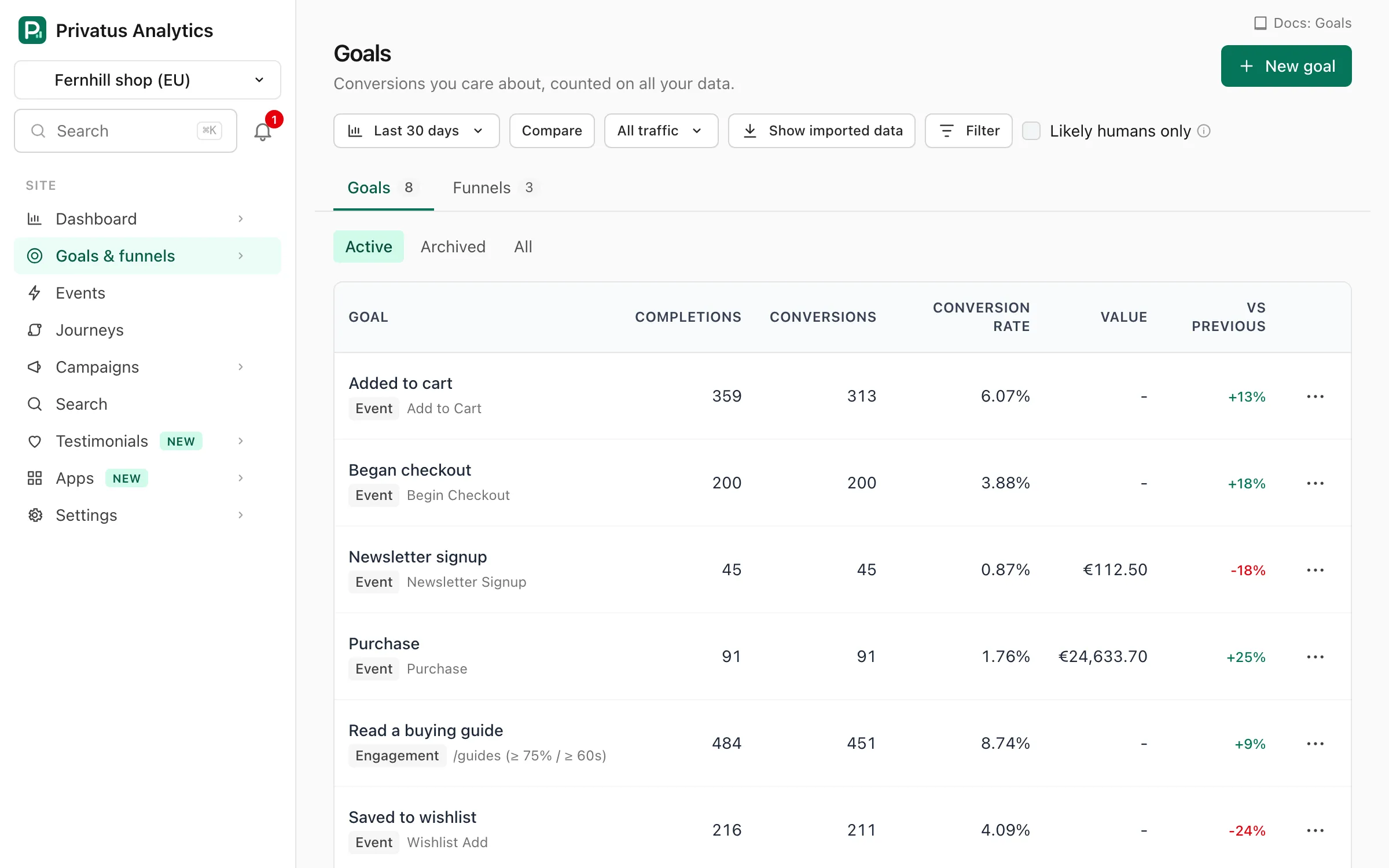
A page-visit goal#
- Go to Goals → New goal in the site menu.
- Give it a name, choose Page visit and enter the path, e.g.
/thank-you. Match can be Equals, Starts with, Matches (* wildcard) (/blog/*/subscribed) or Regex. - Save. Conversions and the conversion rate appear on the goal list and in the Conversions panel of the Overview.
An event goal#
Send a custom event from your page:
privatus.track('Signup', { plan: 'pro' })
Then create a goal of type Event with the event name Signup. Add
property conditions (for example plan is pro) to narrow it. The
operators are is, is not, contains, greater than and
less than, and every condition must match.
Full options, including values and counting, are in Goals.