Workspace audit log
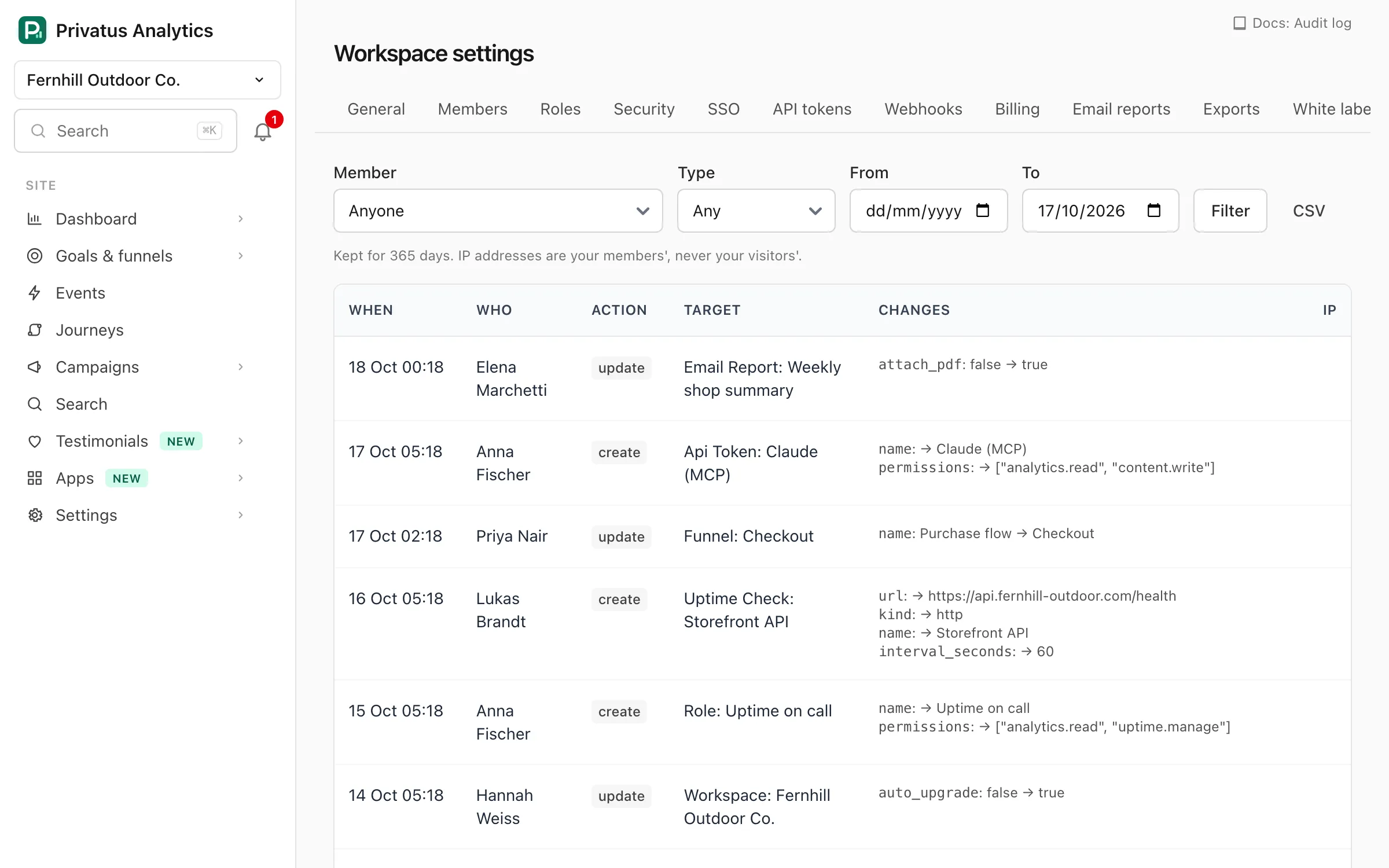
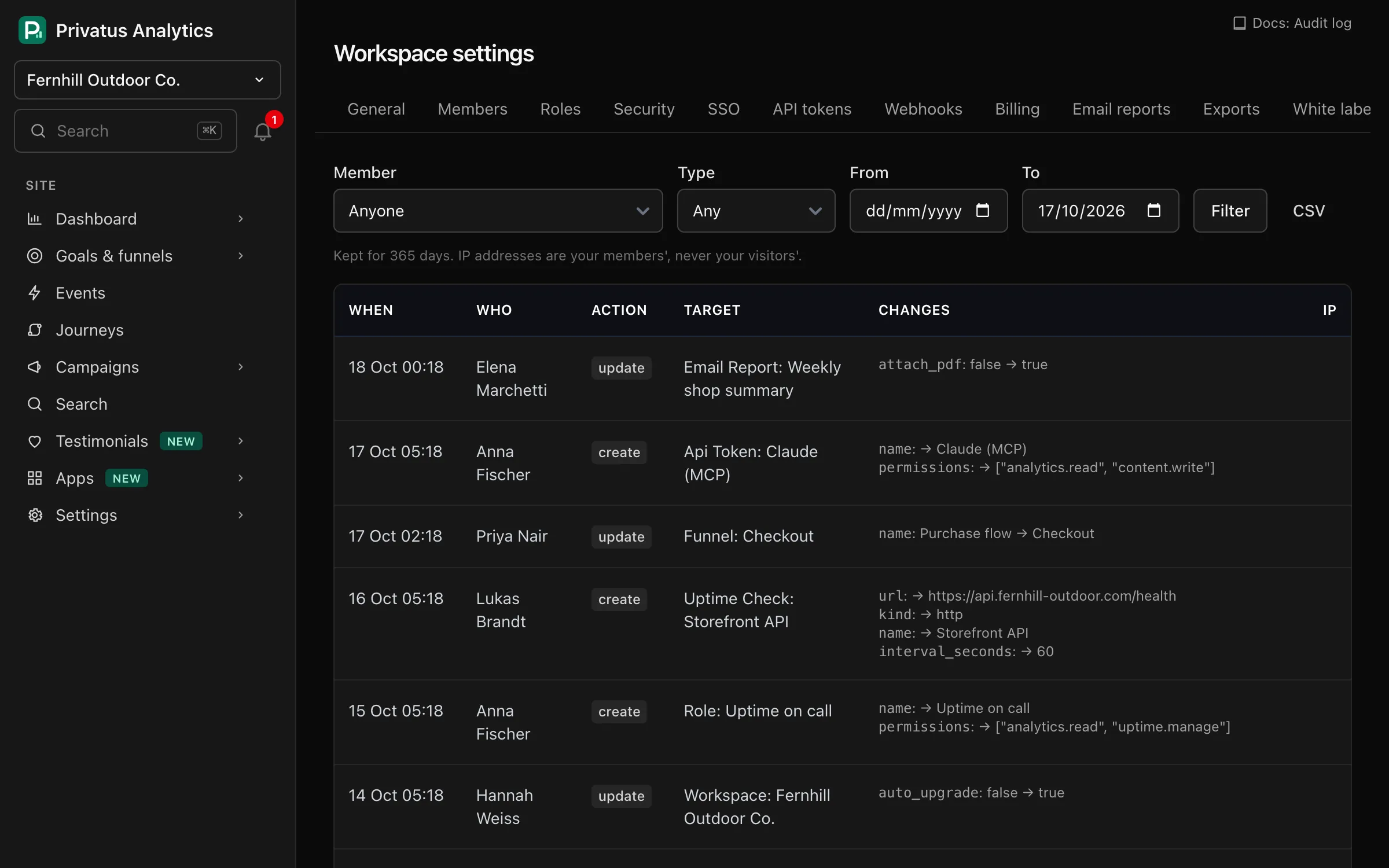
Use the audit log to see who changed sites, members, API tokens, SSO and workspace settings, and when. Filter by member, type or date, and export to CSV.
Workspace settings → Audit log lists changes made in the workspace.
Reading it needs the workspace.manage permission.
What is recorded#
Creating, changing and deleting any of these writes an entry:
- the workspace and its settings (name, plan, security settings),
- members, invitations and custom roles,
- API tokens, the SSO configuration and webhooks,
- sites, site transfers, goals, funnels, alerts, channel rules and traffic rules,
- email reports and their recipients, notification channels, uptime checks, status pages and warehouse destinations,
- discount program applications.
Logins, page views and other kinds of record are not in the audit log. Secrets such as token values and the OIDC client secret are never written to it.
Each entry shows:
- When: the time of the change.
- Who: the member, and the API token's name when the change came through a token. Changes with no member behind them, such as SCIM provisioning, show System.
- Action:
create,updateordestroy. Actions by Privatus Analytics staff start withadmin.. - Target: the kind of record and its name.
- Changes: each field with its value before and after.
- IP: the address of the member, API token or identity provider that made the change. Visitors' IPs are never involved.
Filter and export#
| Filter | What it does |
|---|---|
Member (actor) |
Only changes by this member, chosen by email address. |
Type (item_type) |
Only one kind of record, such as Site or Membership. |
From and To (from, to) |
Only changes on or between these dates. |
event (API only) |
Only create, update or destroy. |
CSV downloads the entries that match the current filters, up to
50,000 rows, with the columns time, actor_email, actor_name,
api_token, action, target, changes and ip.
Over the API the log is at /workspaces/<workspace id>/audit_log (add
.csv for the export) and the MCP tool is audit_logs_get. The same
filters apply. See the API reference.
Retention#
| Plan | Kept for |
|---|---|
| Free | Not available |
| Pro | 30 days |
| Business | 1 year |
| Enterprise | Custom |
Older entries are deleted every day.
Support access#
Our support team can only view your workspace while support access is
switched on in Workspace settings → Security, which a member with
workspace.manage does for 7 days at a time. Support views the workspace
read-only, for at most one hour per session. The start and end of each
session and every page viewed are recorded here.