Conversion goals
Set up conversion goals for page visits, custom events, engagement, outbound clicks and file downloads, with goal values, counting options and path matching.
A goal marks a visit as converted. Goals are definitions applied when you query, so creating or editing one updates all your history immediately.
Create one with Goals → New goal in the site menu. Every goal has a Name (up to 120 characters) and a Type.
Goal types#
| Type | Completes when | Settings |
|---|---|---|
| Page visit | A page matching the pattern is viewed | Match, pattern, optional hostname |
| Event | A custom event with that name fires | Event name, optional property conditions |
| Engagement | A page matching the pattern reaches a scroll depth or a time on page | Match, pattern, scroll depth, time on page |
| Outbound click | An Outbound Link event whose domain matches the pattern |
Match, pattern (a domain such as stripe.com) |
| File download | A File Download event whose file matches the pattern |
Match, pattern (a file name such as *.pdf) |
Outbound click and file download goals use the events of the
auto module, so turn that
module on first. The domain is the link's host without www., and the
file is the file name only, not its path. Engagement goals use the
engage module, which is on by default.
| Setting | Applies to | What it does |
|---|---|---|
| Match | Page visit, engagement, outbound click, file download | How the pattern is compared (see path matching) |
| Pattern | Page visit, engagement, outbound click, file download | Required. The path, domain or file name to match |
| Hostname | Page visit | Optional. Counts the page on that hostname only, for sites with several hostnames |
| Event name | Event | Required. The custom event's name. Renamed and merged events match under their display name |
| Property conditions | Event | Optional (see property conditions) |
| Scroll depth at least (%) | Engagement | The page was scrolled at least this far, from 0 to 100 |
| Time on page at least (seconds) | Engagement | The page was visible for at least this long |
An engagement goal needs at least one of the two thresholds. With both set, reaching either one completes the goal.
Path matching#
| Match | Example | Matches |
|---|---|---|
| Equals | /thank-you |
/thank-you only |
| Starts with | /docs/ |
Everything under /docs/ |
| Matches (* wildcard) | /blog/*/subscribed |
* stands for any characters |
| Regex | `^/(signup\ | register)/done$` |
Over the API the values are exact, prefix, glob and regex.
Property conditions#
Event goals can require properties. All conditions must match, and blank rows are ignored.
| Operator | Matches when the property |
|---|---|
is |
Equals the value exactly |
is_not |
Differs from the value, or is missing |
contains |
Contains the value, ignoring case |
gt |
Is a number greater than the value |
lt |
Is a number less than the value |
For example plan is pro and revenue gt 100. Property names use
lowercase letters, digits and underscores, up to 64 characters.
Value#
| Value | What the goal is worth |
|---|---|
| No value | Nothing. The value column shows a dash |
| Fixed value | The amount you enter, in the site currency, per conversion (or per completion with Every time) |
| Event revenue | The sum of the matching events' revenue, converted to the site currency |
Counting#
Two numbers are always reported: conversions are visits that completed the goal at least once, and completions are all the times it happened. The conversion rate is conversions divided by visits (or by visitors, if the site's conversion rate setting says so).
The Count setting only changes how a fixed value adds up:
- Once per visit (default): the fixed value counts once per converted visit.
- Every time: the fixed value counts for every completion.
The goal list and detail#
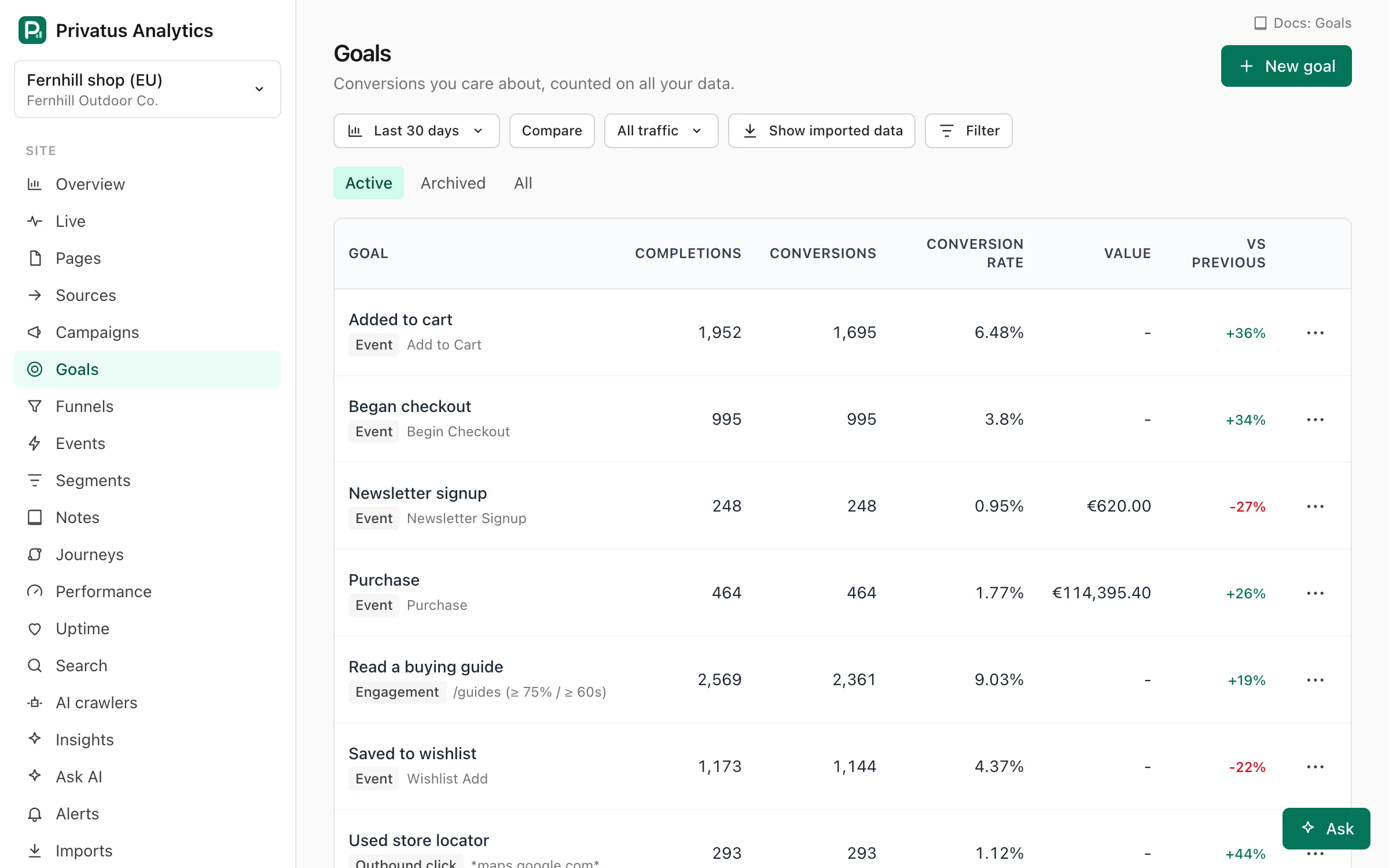
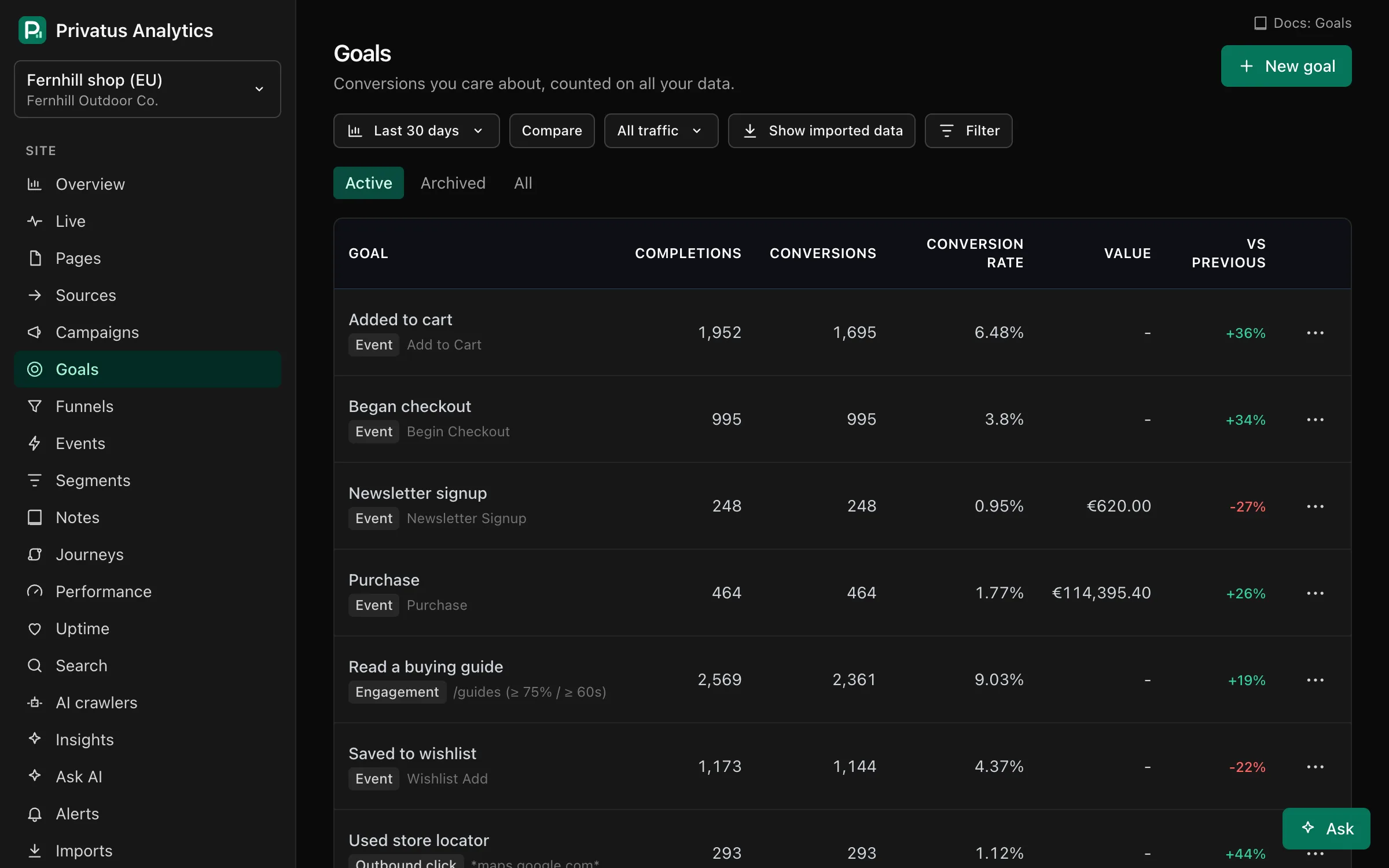
The list shows each goal's completions, conversions, conversion rate, value and the change in conversions against the previous period. Switch between Active, Archived and All goals. Each goal's menu has Edit, Duplicate, Archive (hides it without deleting, and Restore brings it back), Build funnel ending here, Create an alert and Delete. Deleting a goal removes it from reports and leaves your data untouched.
A goal's detail page charts conversions, completions or conversion rate over time, with breakdowns by channel, campaign, entry page, country and device (the top 10 values of each). Before converting shows the pages viewed earlier in the same visit, the median number of pages before the conversion and the median time to convert within the visit.
Limits#
Free: 10 active goals per site (archived goals don't count). Paid plans: unlimited.
API#
Goals are a REST resource under /sites/<site id>/goals and MCP tools
named goals_*: goals_list, goals_get, goals_create,
goals_update, goals_delete, goals_duplicate, goals_archive and
goals_unarchive. Viewing needs the analytics.read permission and
changes need content.write. The API reference lists every
input.