Private feedback
Send a rating of 1 to 3 on a testimonial form to your team as private feedback instead of making it a testimonial, and read what came in. Part of Business.
A form can send unhappy answers to your team in private instead of making them testimonials. This is called low-rating routing. It is off by default and is part of the Business plan. The answers are read under Testimonials in the site's sidebar, then Forms, then Private feedback in the menu of a form.
Turn it on#
Open the form in the builder, choose the Rating step on the Steps tab and switch on Send low ratings to private feedback. The form must ask for a rating, and the rating becomes required.
| Field | What it does |
|---|---|
| Send low ratings to private feedback | Switches routing on for this form |
| Title of the private feedback step | The default is "What went wrong?" |
| Message | Shown under the title. The default is "Tell us what happened and what would have made it right." |
| Closing line | Shown instead of the thank-you message after private feedback is sent. The default is "Thank you for telling us. We read every answer." |
In the builder's preview, tick Preview as a low rating to see the step.
What the customer sees#
A customer who gives 4 or 5 goes on to the questions as usual. A customer who gives 1, 2 or 3 sees the private feedback step instead: a text box, the line "This goes only to the team. It is not published.", and optional fields for their name and email. The email field is left out when the form's About you step does not ask for an email. Then they see your closing line.
That answer is stored as private feedback:
- It is never a testimonial. It cannot be approved, and it never appears in a widget, a wall, an image or an export of testimonials.
- It does not count toward your monthly testimonials.
- It is not asked for consent to publish, because nothing is published.
If the form has a reward, the customer sees it either way.
Read it#
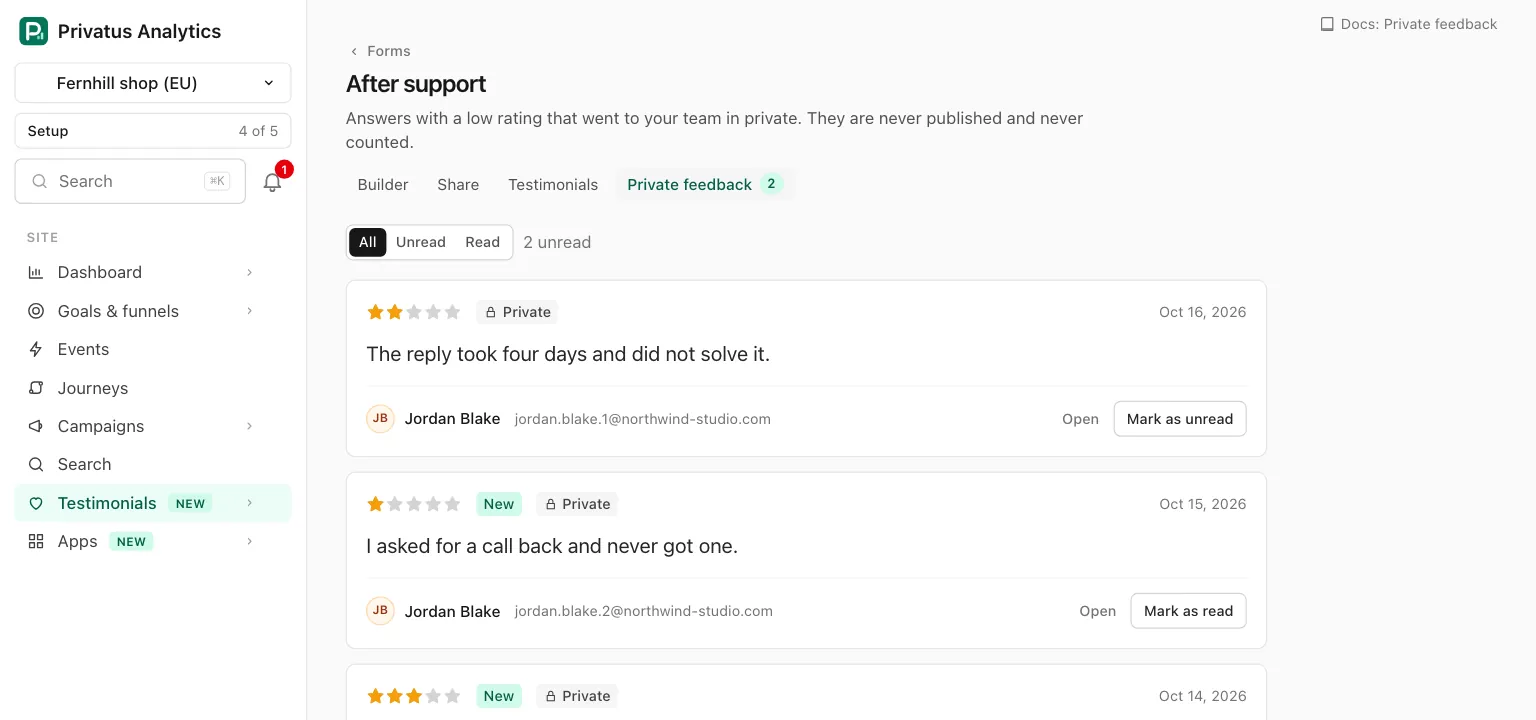
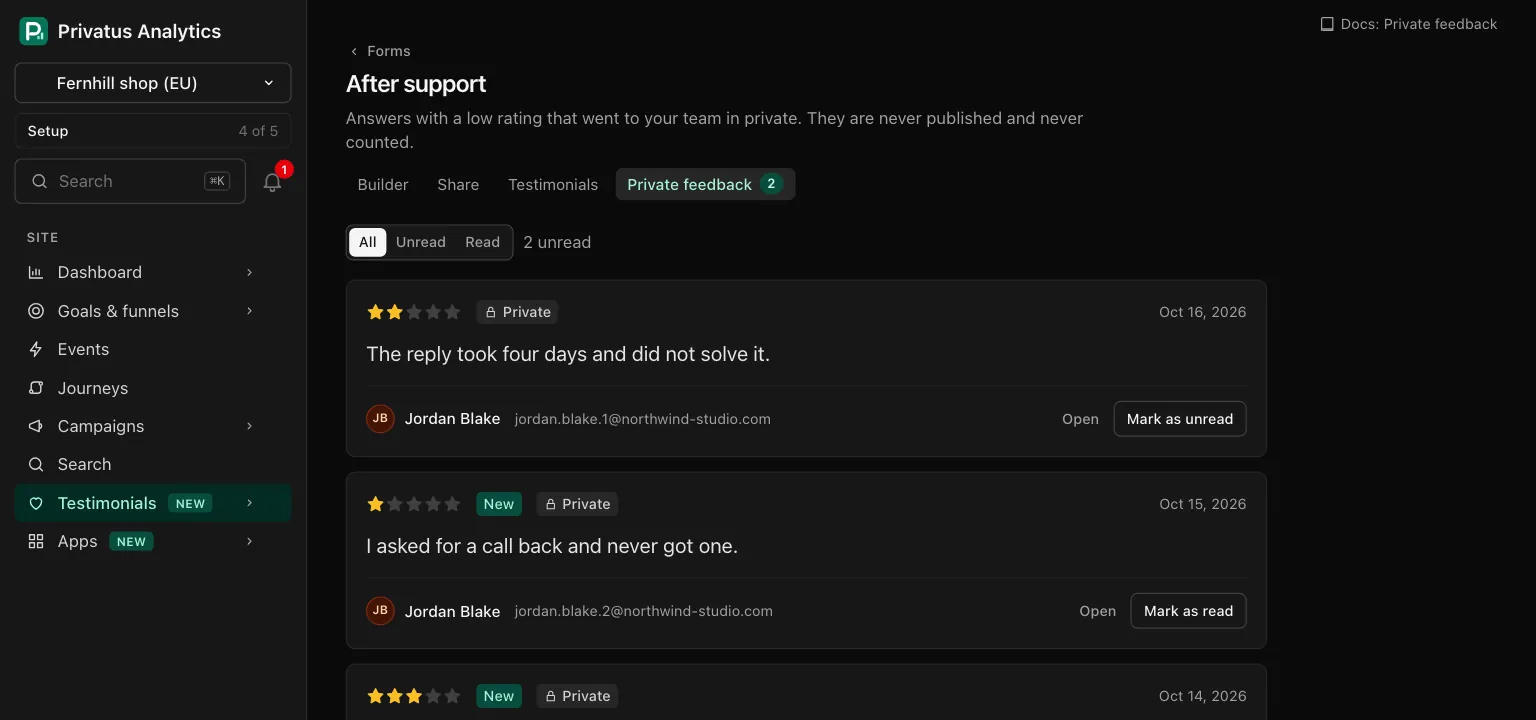
The Private feedback page of a form lists its answers, newest first. It is in the form's row menu on the Forms tab and in the second row of tabs of the form, once the form has routing on or has answers. The tab shows the number of unread answers.
| Control | What it does |
|---|---|
| All, Unread, Read | Filters the list. The number of unread answers is beside it |
| Open | Shows one answer with its whole text. The list cuts a long answer at 400 characters |
| Mark as read, Mark as unread | A note for your team. Anyone who can read the site can set it |
Each answer shows the rating, a New badge until it is read, a
Private badge, the date, the words, the name if one was given, and
the email as a link that starts a message. The email is shown only to
members with the content.write permission. An answer with no text
says "A rating with no words."
On a plan without it#
- In the builder the switch is locked, with "Sending low ratings to private feedback is part of the Business plan." and a link to the plans.
- A form that has routing on when the workspace moves to a lower plan keeps the setting, and it is paused: every answer becomes a testimonial, whatever the rating, and the private feedback step is not shown. The Forms tab marks the form "Private feedback paused", and the builder and the form's Private feedback page say so.
- Feedback you already have stays readable, and routing starts again when the plan has it.
API and MCP#
| Action | MCP tool | Permission |
|---|---|---|
| List a form's feedback | testimonial_feedback_list |
analytics.read |
| Read one | testimonial_feedback_get |
analytics.read |
| Mark as read or unread | testimonial_feedback_mark_read |
analytics.read |
The inputs and the response fields are in the API
reference and the MCP reference. The email is
returned only to a caller with content.write. Turning routing on over
the API or MCP on a plan without it responds with 402 plan_limit.
Good to know#
- Private feedback is deleted with its form when the form is deleted for good, and with the site. A form in the trash keeps it.
- A completed form that went to private feedback still counts as a
submission in the form's statistics, and the webhook
testimonial_form.submittedsays it was routed. - Sending only happy customers to a public review site is against the rules of some review platforms. Low-rating routing here decides what becomes a testimonial on your own site. Check the rules that apply to you before you use it.