Mentions
Mentions lists the words and phrases that recur across a site's testimonials, with counts and ratings. Tag them in one move or make a rule from a term.
Mentions shows what your customers keep saying. It lists the words and two-word phrases that come up again and again in a site's testimonials, how many testimonials contain each one, how those testimonials rate, and whether the term is on the rise. It is built from the words themselves. No AI is involved.
Open Testimonials in the site's sidebar, then More in the Inbox
and Mentions. The page is at
/sites/<site id>/testimonials/mentions. Mentions is on every plan.
The Mentions page#
| Column | What it shows |
|---|---|
| Term | The word or phrase, in its most common written form. A two-word term carries a "Phrase" badge. Click it to open the inbox filtered to it |
| Testimonials | How many testimonials contain it, and that number as a share of the site's testimonials outside the trash |
| Average rating | The mean rating of the rated testimonials that contain it, or "No ratings" |
| Last 90 days | How many were received in the last 90 days, "against" the number in the 90 days before, with an arrow up or down |
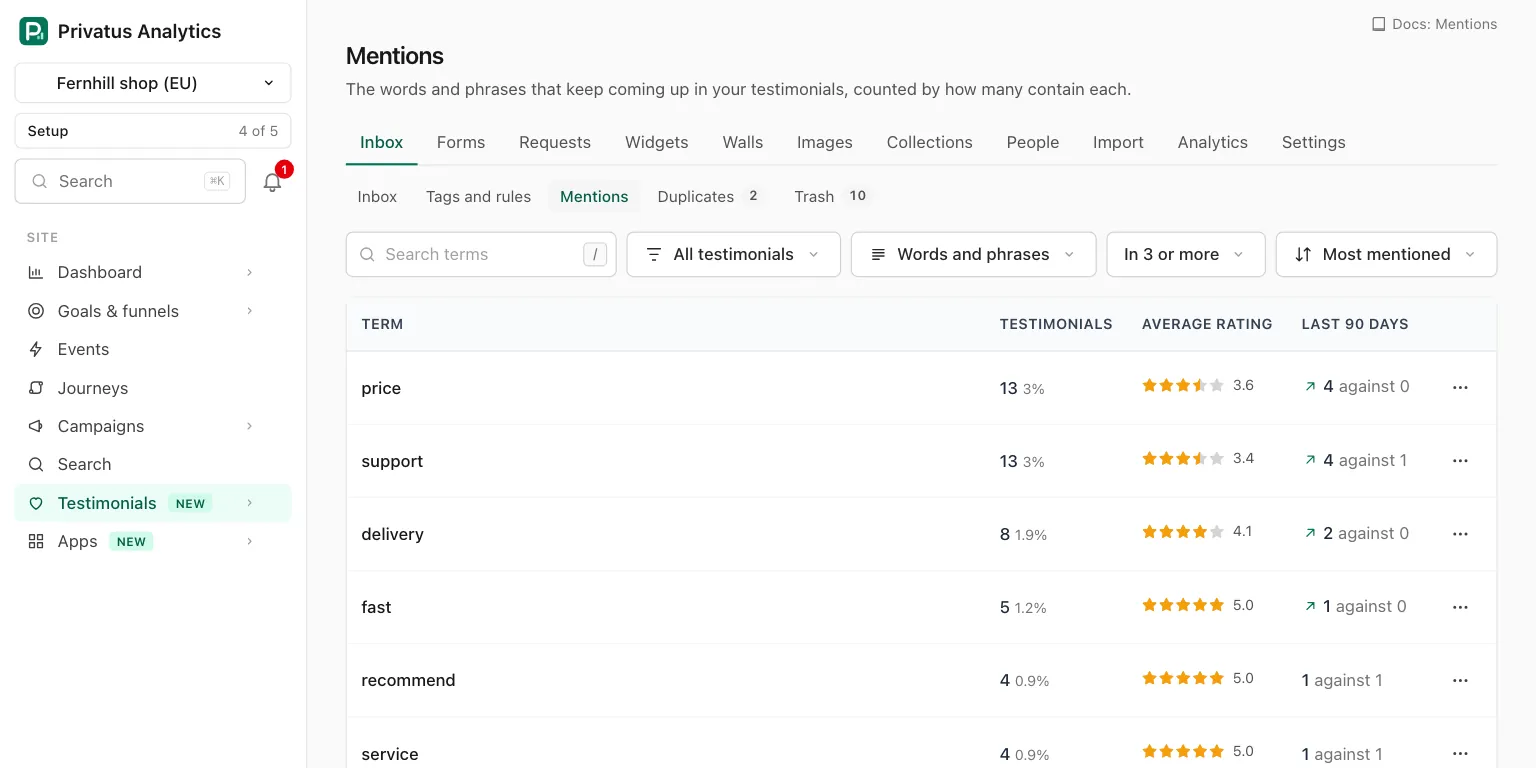
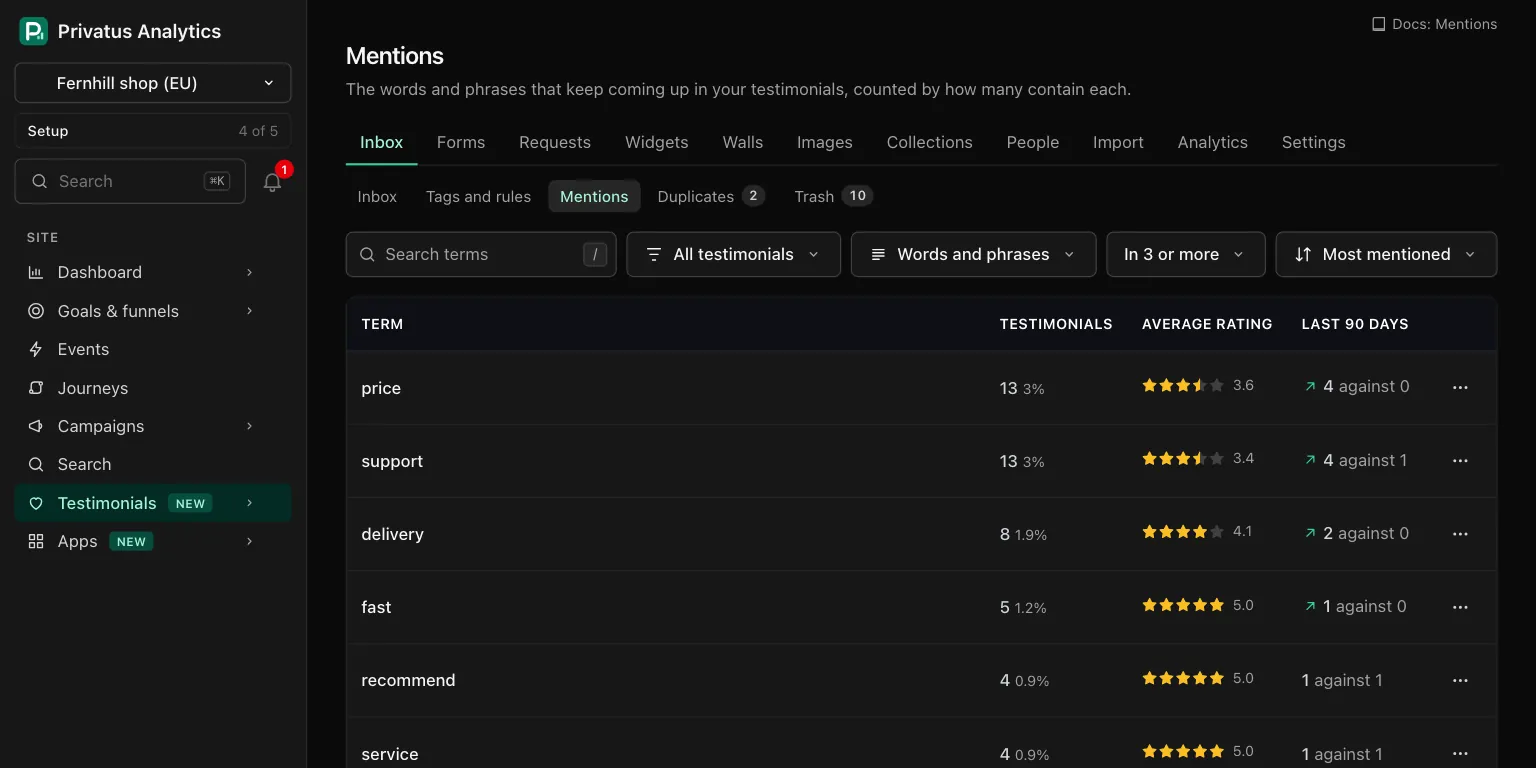
| Control | Choices |
|---|---|
| Search terms | Narrows the list to terms that contain the text |
| Which testimonials to count | All testimonials (the default), Approved, Pending or Rejected |
| Words or phrases | Words and phrases (the default), Words or Phrases |
| Least number of testimonials | In 3 or more (the default), 5, 10 or 25 |
| Sort menu | Most mentioned (the default), Rising in the last 90 days or Lowest rating first |
"Rising in the last 90 days" lists only the terms with more testimonials in the last 90 days than in the 90 before. "Lowest rating first" lists only the terms with at least one rated testimonial. It is the quick way to read what people are unhappy about.
The line under the table says when the terms were last counted.
Counting one status#
With Which testimonials to count set to Approved, Pending or Rejected, the count, the share and the least number follow that status. The average rating and the two 90-day numbers always cover every status.
Row actions#
| Action | What it does |
|---|---|
| See them | Opens the inbox filtered to the term. When you are counting one status, the inbox is filtered to that status too |
| Tag them | Opens the term's page at the tag form |
| Make a rule | Opens the term's page at the rule form |
| Hide | Takes the term out of the list |
A member who may only read sees the terms and See them. The other three are not offered.
A term's page#
The page for one term says how many testimonials mention it right now, shows five of them under "A few of them", and links to all of them with See them in the inbox. It works for any word or two-word phrase, not only the ones in the list.
Tag them#
Tick one or more tags under Tags, or type new names separated by commas under Or a new tag, and press the button ("Tag 43"). The tag is added to every testimonial that mentions the term. The ones that already have it are left as they are.
It is one bulk action on the whole result. A toast with Undo appears, and the run stays in the undo list for 7 days. More than 100 testimonials are tagged in the background.
If the number of matching testimonials changed since the page was drawn, nothing is tagged and the message gives the new number.
Make a rule#
A rule tags the next testimonial that says the term, by itself.
| Choice | What happens |
|---|---|
| On an existing tag | Click a tag. Its page opens with one more rule ready, "Words contain" filled in with the term |
| Or on a new tag | Type a name, pick a color and press Create the tag. The new tag's page opens with the same rule ready |
The rule is not saved until you press Save on the tag's page. A tag that already has 10 rules gets no new one.
Auto-tag rules are part of the Business plan. On Free and Pro this card shows the plan hint with See plans instead of the two choices, and nothing is created. See Tags and rules. Tag them is on every plan.
Hidden terms#
Some terms say nothing. Hide them, and they leave the list and the Mentions filter of the inbox.
- Hidden terms are listed at the foot of the Mentions page, each with Show again.
- The words of the site's name, its name as a two-word phrase and the words of its domain start hidden. "Fernhill" coming up in Fernhill's testimonials is not news.
- A term you hid stays hidden every time the terms are rebuilt, and one of the site's own words that you chose to show stays shown.
How the terms are built#
| Rule | Detail |
|---|---|
| What is read | The title and the words of every testimonial outside the trash. Terms are looked for in the newest 20,000 testimonials, then counted across all of them |
| What a term is | One word, or two words next to each other |
| Stemming | Words are reduced to their stem, so "ship", "shipping" and "shipped" count as one term, shown in its most common written form |
| Languages | Each testimonial is read in its own language. Terms are found in English, German, French, Spanish, Italian, Dutch, Portuguese, Swedish, Danish, Norwegian and Finnish. A testimonial in another language is still counted when it contains a term |
| Left out | Common words such as "the" and "and", numbers, units of time such as "days" and "weeks", and a few filler words such as "really". A phrase that holds one of them is left out too. Words under 3 or over 40 letters are not read |
| Least number | A term must be in at least 3 testimonials |
| How many | The 500 most mentioned terms are kept |
| When | A job looks every 5 minutes. A site's terms are rebuilt when a testimonial has arrived since the last rebuild and that rebuild is at least 15 minutes old, and once a day otherwise |
| AI | None. No AI call is made |
The number beside a term is as of the last rebuild. It is counted the same way the inbox filters by a term, so the two agree.
Until a site has 10 testimonials with words, the page says "Not enough words yet to spot a pattern". After that, a term appears once three testimonials contain it.
API and MCP#
Every action on these pages is an API operation and an MCP tool. Add
.json to the address of the list, or call the tool. Inputs and
response fields are in the generated reference at
/docs/api and /docs/mcp.
| Action | MCP tool | Permission |
|---|---|---|
| List the terms | testimonial_mentions_list |
analytics.read |
| Read the testimonials that mention a term | testimonials_list with mention |
analytics.read |
| Hide a term, or show it again | testimonial_mentions_update |
content.write |
| Tag every testimonial that mentions a term | testimonial_mentions_tag |
content.write |
| Make an auto-tag rule from a term | testimonial_tags_create or testimonial_tags_update |
content.write |
testimonial_mentions_listtakes the page's filters asquery,status,type,min_countandsort(count,risingorrating_asc).hidden: truelists the hidden terms instead.min_countcan be any number from 1.- With
statusset,countandsharefollow it, whileaverage_rating,recent_countandprevious_countdo not. testimonial_mentions_tagtakes atermandtags(ids or names, and a new name creates the tag).dry_run: trueresponds with what would change. Send the number you expect asconfirm_count: when it no longer matches, nothing runs and the response is a422with the codecount_changedand the new number inerror.count. Theidof the response is the undo id thattestimonials_bulk_undotakes for 7 days.testimonial_mentions_updateon a term the site does not have responds with "This site has no Mentions term with that name."
Ask your assistant:
- "What do customers complain about most?"
- "Tag everything that mentions the repair service, and tell me how many that is first."
- "What are people talking about more this quarter? And hide the word jacket, it is in every review."
Good to know#
- The counts are as of the last rebuild, so a testimonial that arrived a few minutes ago may not be counted yet. The term's page counts live.
- A term outside the 500 most mentioned is not listed.
testimonial_mentions_tagand the inbox'smentionfilter still take any word or two-word phrase. - Hiding a term changes no testimonial. It only leaves the list and the inbox's Mentions filter.
- A testimonial in a language outside the eleven above adds no terms of its own.