Import testimonials
Import testimonials from every place they are scattered
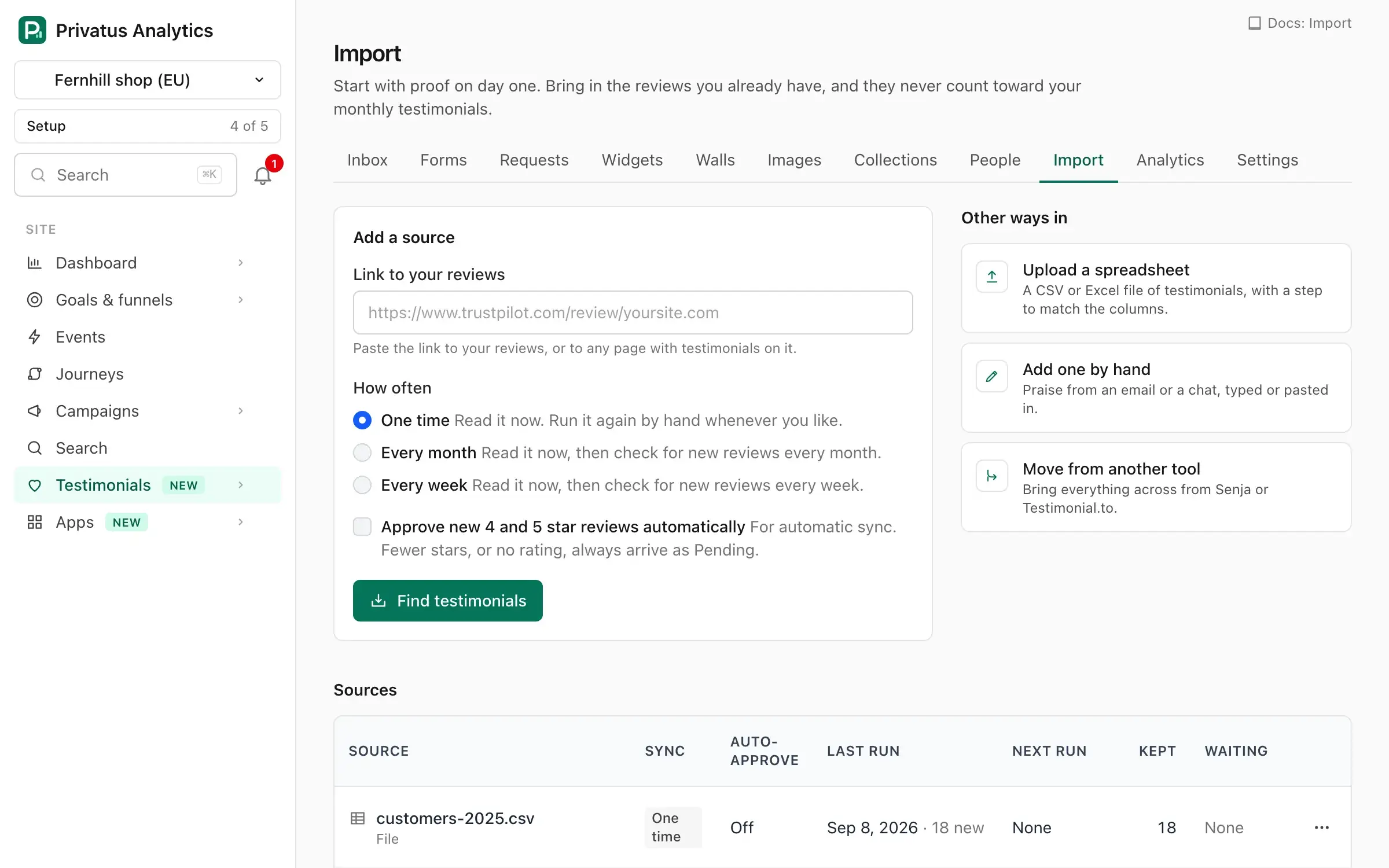
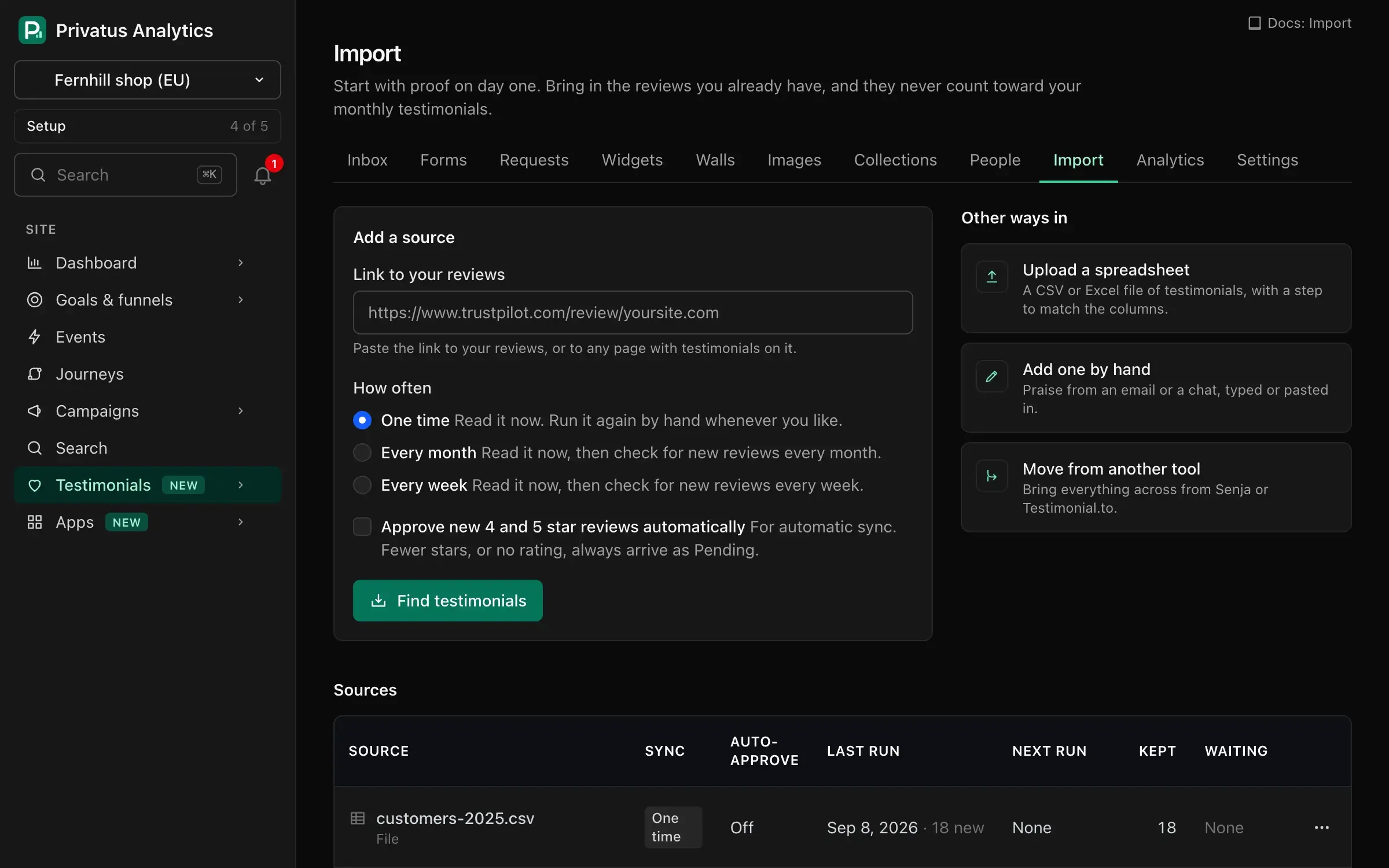
Your best reviews are spread over review sites, social posts and old spreadsheets, where no visitor of yours will see them. Paste a link or upload a file, pick the ones worth showing and keep them all in one searchable library.
Never counted
An import never counts toward your monthly number of new testimonials, on any plan. Bring in everything you have.
You choose what is kept
Every import ends in a review step. Tick the reviews you want, or keep them all, as pending or already approved.
Kept fresh for you
On Pro a source is checked for new reviews every month, and on Business every week. You get an email when something new is found.
The platforms you can import from
- Trustpilot
- G2
- Capterra
- Product Hunt
- X
- AppSumo
- Tripadvisor
- Chrome Web Store
- Shopify App Store
- WordPress plugin directory
- Apple App Store
- Google Play
A platform is on this list only after its import has been tested against a real page.
Import reviews from 12 platforms
Paste the link to your public profile on Trustpilot, G2, Capterra, Product Hunt, X, AppSumo, Tripadvisor, Chrome Web Store, Shopify App Store, WordPress plugin directory, Apple App Store, and Google Play. The reviews are read with their rating, date and author, and each one keeps a link back to where it came from.
Import testimonials from any web page
Praise on your own website, a forum thread or a public post can be brought in too. Paste the address and the testimonials on that page are picked out for you. Only words that are really on the page are kept, and you check them before anything is saved.
Import from a spreadsheet
Upload a CSV or Excel file and match its columns to name, words, rating and date. This is the quickest way to bring in testimonials from a tool that has no connection here.
Moving from another testimonial tool
Coming from Senja or Testimonial.to? Paste your API key from that tool, and your testimonials, ratings, tags, people and videos are read into the same review step. There is a guide for Senja and one for Testimonial.to.
No duplicates
A review that is already in your library is marked in the review step and is never stored twice, so you can run the same import again without making a mess.
Questions and answers
Which review platforms can I import from?
Trustpilot, G2, Capterra, Product Hunt, X, AppSumo, Tripadvisor, Chrome Web Store, Shopify App Store, WordPress plugin directory, Apple App Store, and Google Play. You can also import from any web page and from a spreadsheet.
Do imported testimonials use up my plan?
No. A one-time import never counts, whatever its size. Only the new reviews that an automatic re-check finds later are counted, like any new testimonial.
How many imports can I run on the free plan?
1 import from a review platform or a web page each month. Spreadsheet uploads and moves from Senja or Testimonial.to do not use it.
Are imported reviews shown right away?
Only if you choose so. In the review step you decide whether what you keep arrives approved or waits as pending.
Let your customers do the convincing
Bring in the reviews you have, send one link and put the first quote on your pricing page this afternoon.
Your first workspace starts with 14 days of Pro, free. After that it moves to the free plan, with 10k events a month, 3 sites and 3 months of history. No card required.