We switched in an afternoon. The Saturday queue is shorter and nobody has asked where their order went since.

Dana Whitfield
Cookieless analytics for your site. Free for 10k events a month.
Start free nowTestimonials
People doubt what a company says about itself. They still believe a customer. Collect those words, keep them in one library and put them where your visitors decide. It comes with every Privatus Analytics plan, the free one included.
Free plan with 5 new testimonials a month. No card required.
Plus any web page, a spreadsheet, Senja or Testimonial.to. How it all ends up in one place
Trust
Buyers have learned to doubt what a company says about itself, and polished copy is something anyone can generate now. What still lands is a real customer, in their own words, with their name on it. Your happiest customers have already said those words somewhere. This is how you put them to work.
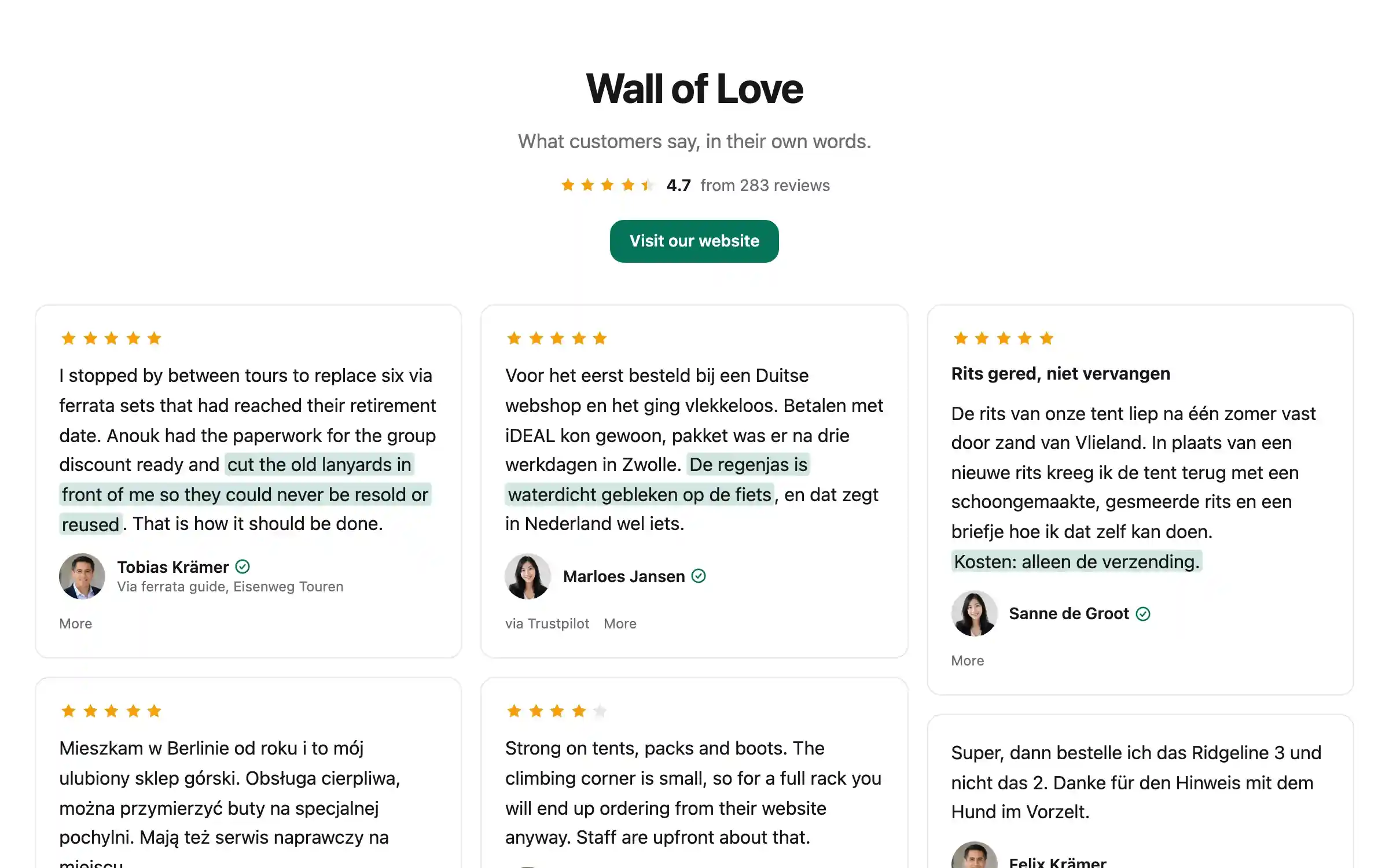
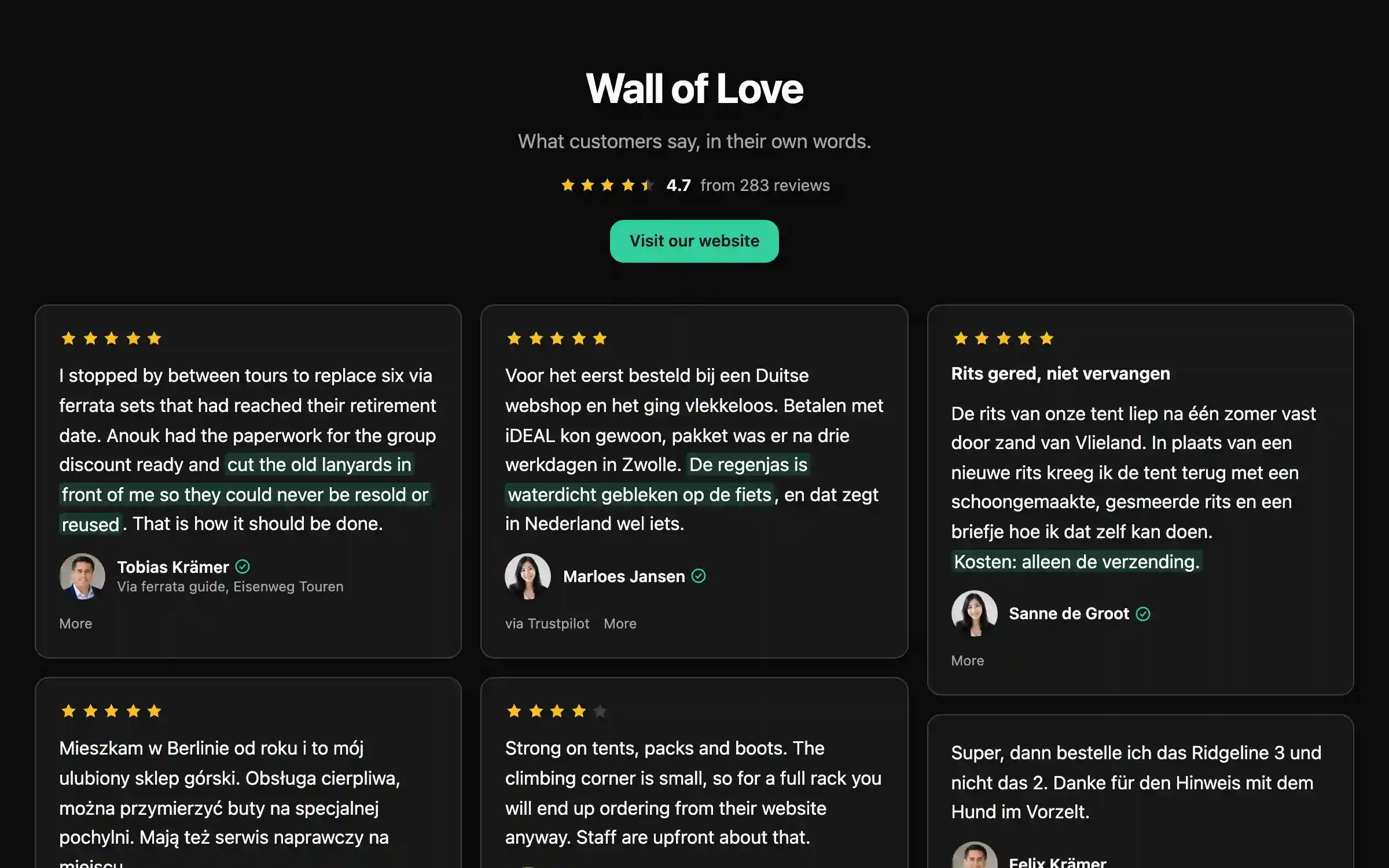
More sales
Most visitors do not leave because they dislike you. They leave because they are not sure. So put a customer's words exactly where the doubt is, and let someone like them say it was worth it.
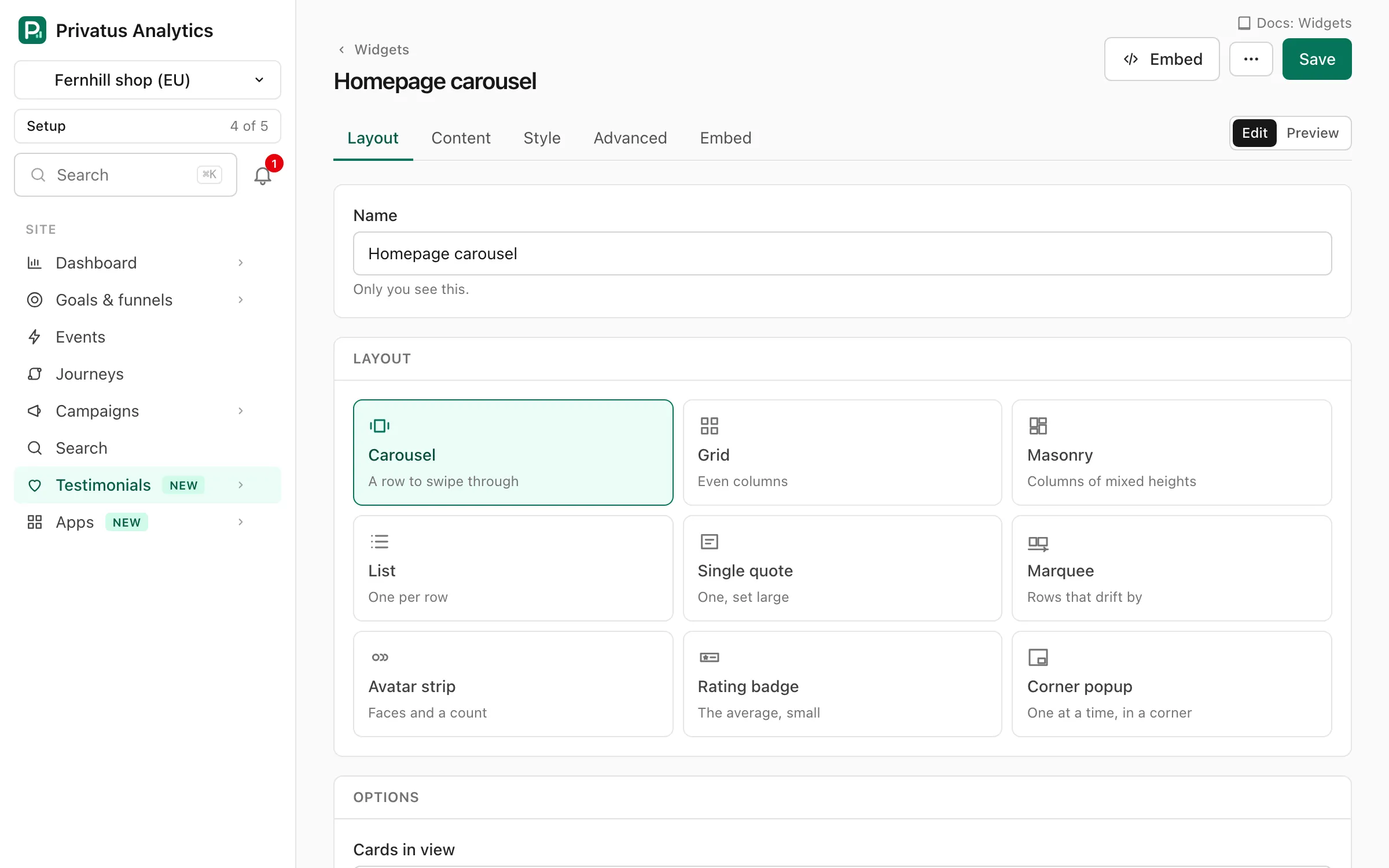
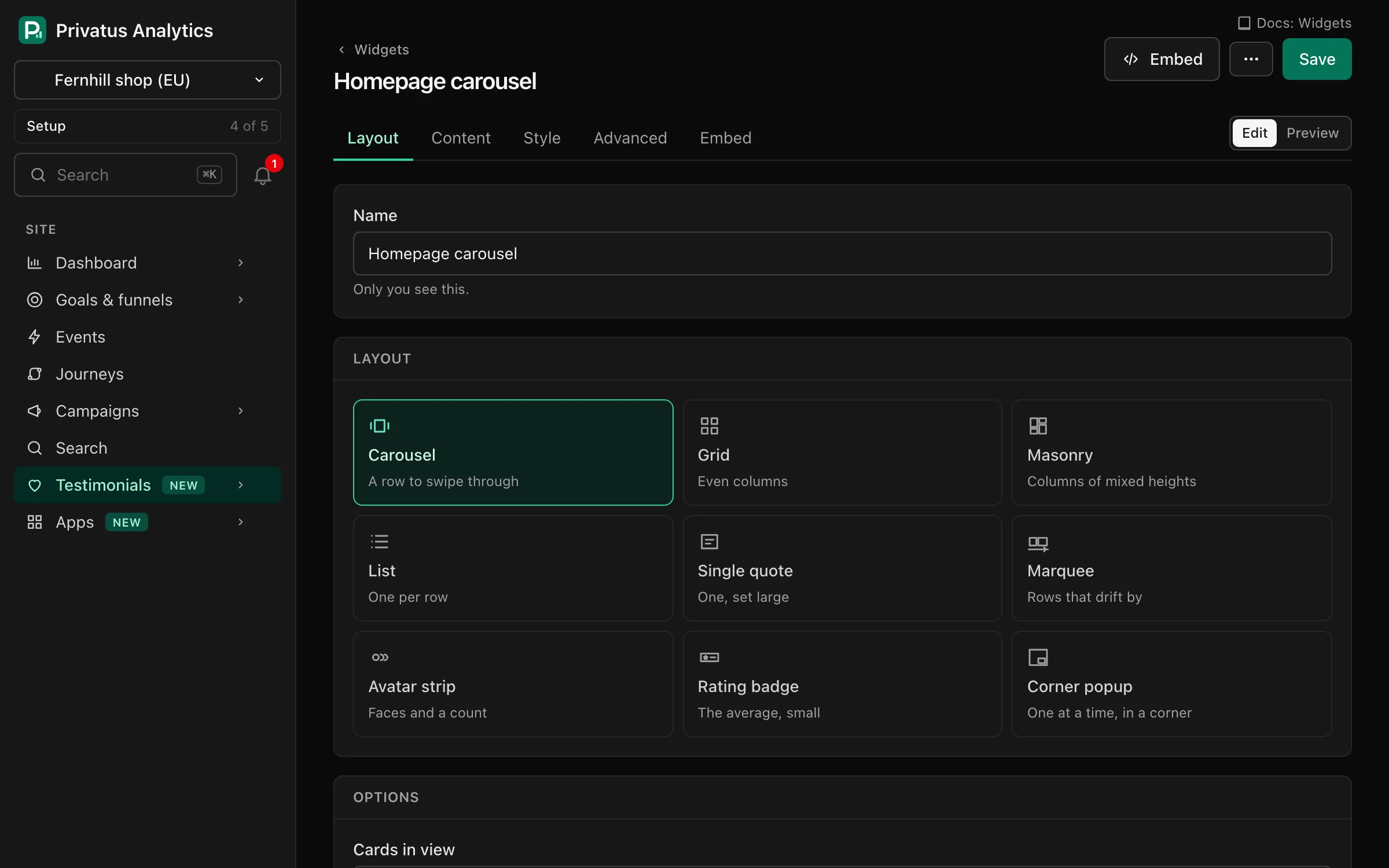
<div data-pa-testimonial-widget="wdg_YOURWIDGET" style="min-height:300px"></div>
<script src="https://privatus.page/embed/widget.js" async></script>
Pick one of 9 layouts, set your colors and paste this where the proof should go. The widget editor gives you the snippet with your widget's id filled in.
See it live
A real widget, fed with made-up testimonials. Switch the layout, swap the stars for hearts and picture your own customers in it.
Sample widget
We switched in an afternoon. The Saturday queue is shorter and nobody has asked where their order went since.
I expected a month of setup. It took two days, and the support team answered every question in plain English.

Does one thing and does it well. I would like more colors, but everything I rely on has worked every single day for a year.

My students picked it up without a single lesson. That has never happened with anything else I have tried in the classroom, and I have tried a lot.

Clear, quick and honest about what it cannot do. We recommended it to two other clinics the same week.

Good value. Took me a little while to find the settings I wanted, and after that it just got out of the way.
We switched in an afternoon. The Saturday queue is shorter and nobody has asked where their order went since.
I expected a month of setup. It took two days, and the support team answered every question in plain English.
Does one thing and does it well. I would like more colors, but everything I rely on has worked every single day for a year.
My students picked it up without a single lesson. That has never happened with anything else I have tried in the classroom, and I have tried a lot.
Clear, quick and honest about what it cannot do. We recommended it to two other clinics the same week.
Good value. Took me a little while to find the settings I wanted, and after that it just got out of the way.
We switched in an afternoon. The Saturday queue is shorter and nobody has asked where their order went since.
I expected a month of setup. It took two days, and the support team answered every question in plain English.
Does one thing and does it well. I would like more colors, but everything I rely on has worked every single day for a year.
My students picked it up without a single lesson. That has never happened with anything else I have tried in the classroom, and I have tried a lot.
Clear, quick and honest about what it cannot do. We recommended it to two other clinics the same week.
Good value. Took me a little while to find the settings I wanted, and after that it just got out of the way.
We switched in an afternoon. The Saturday queue is shorter and nobody has asked where their order went since.
I expected a month of setup. It took two days, and the support team answered every question in plain English.
Does one thing and does it well. I would like more colors, but everything I rely on has worked every single day for a year.
My students picked it up without a single lesson. That has never happened with anything else I have tried in the classroom, and I have tried a lot.
Clear, quick and honest about what it cannot do. We recommended it to two other clinics the same week.
Good value. Took me a little while to find the settings I wanted, and after that it just got out of the way.
We switched in an afternoon. The Saturday queue is shorter and nobody has asked where their order went since.
We switched in an afternoon. The Saturday queue is shorter and nobody has asked where their order went since.
These testimonials are made up to show the layouts. They are not from real customers and are not about Privatus Analytics.
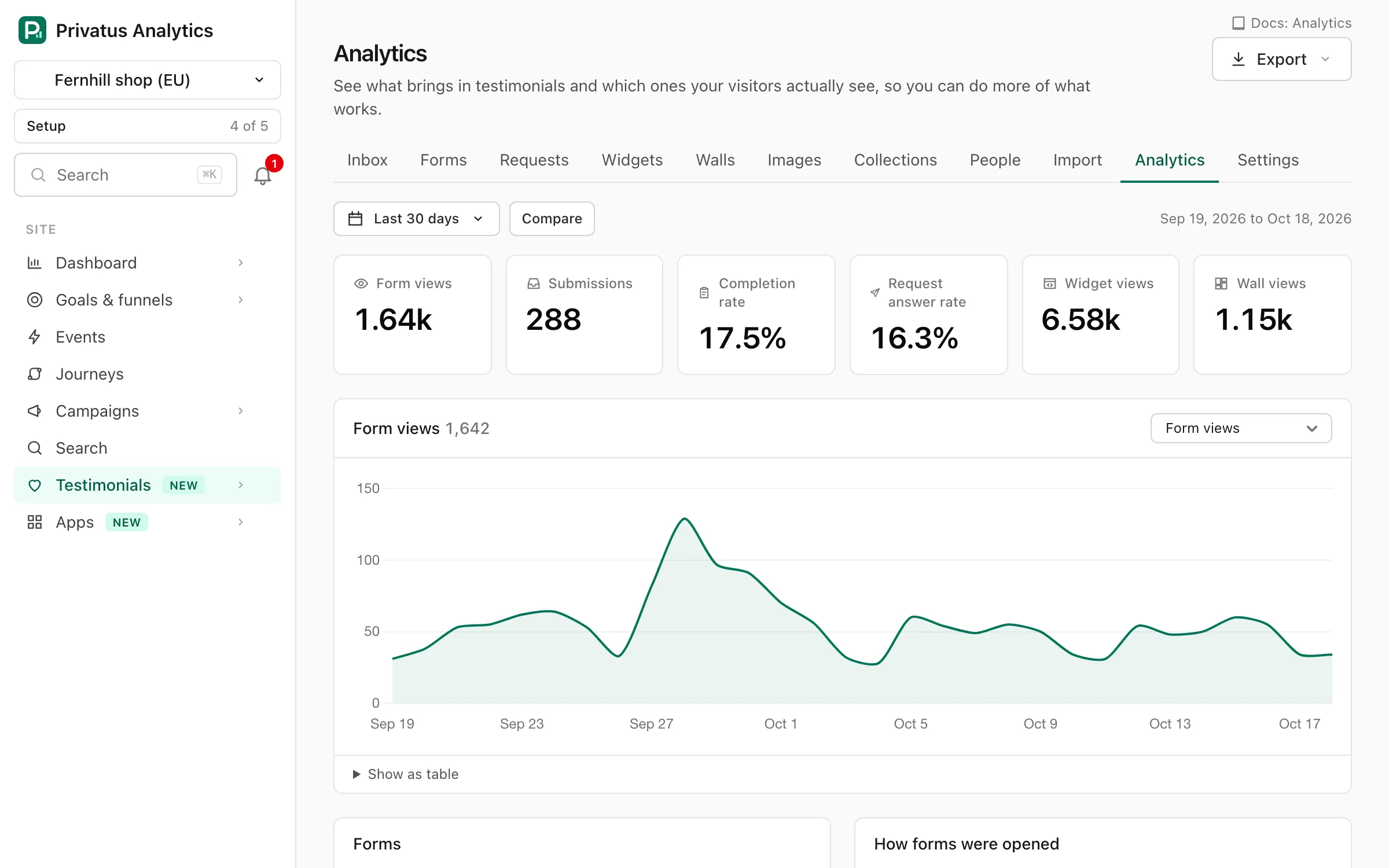
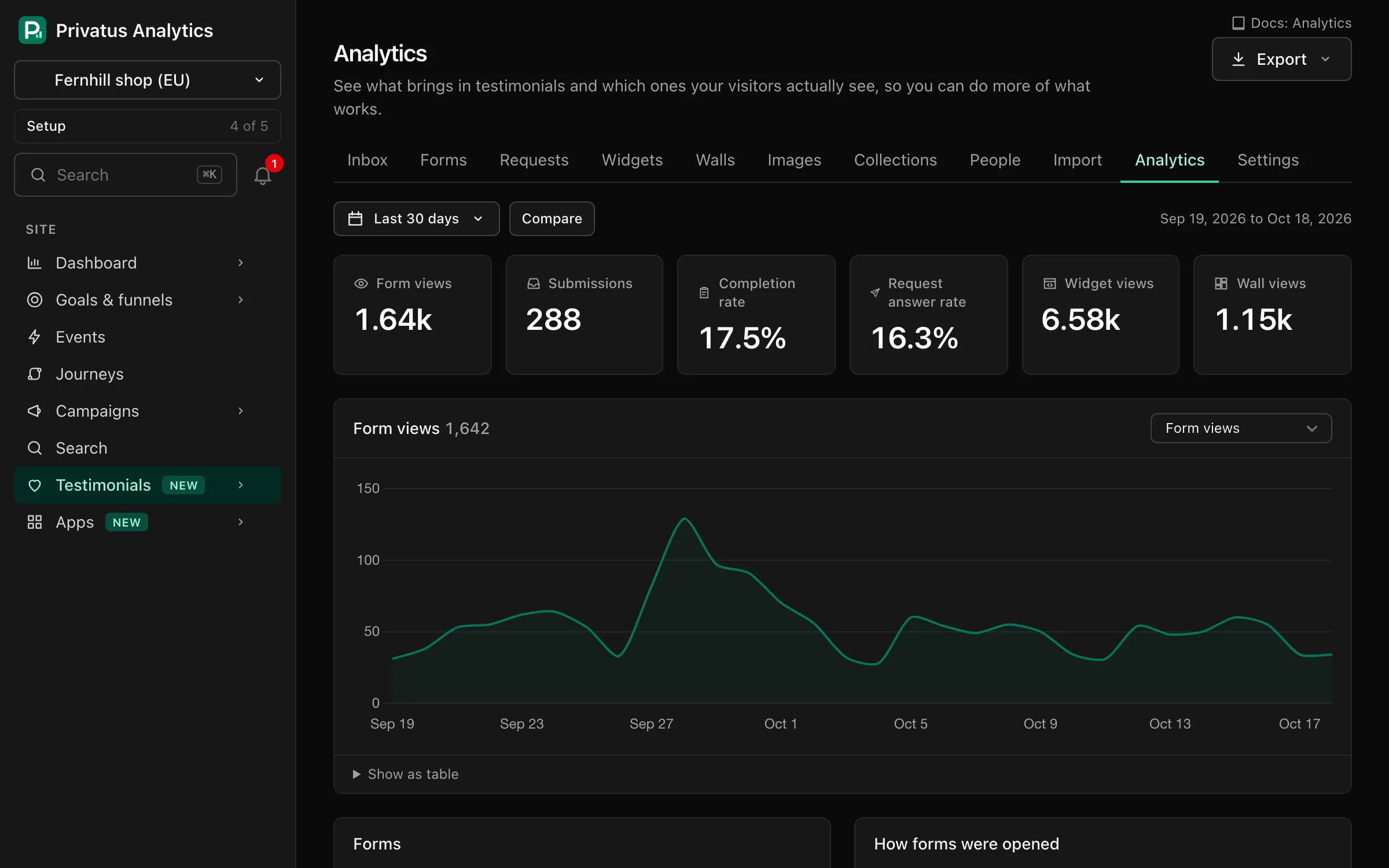
Know what it did
A testimonial tool can tell you how often a widget was seen. Privatus Analytics is also your site's analytics, so it can tell you what happened next. We will not promise you a lift. You can measure it on your own visitors.
Share the love
One page for everything your customers said, video and text together, in your brand. Send it when someone asks whether people really like what you do, or place the wall inside a page of your own.
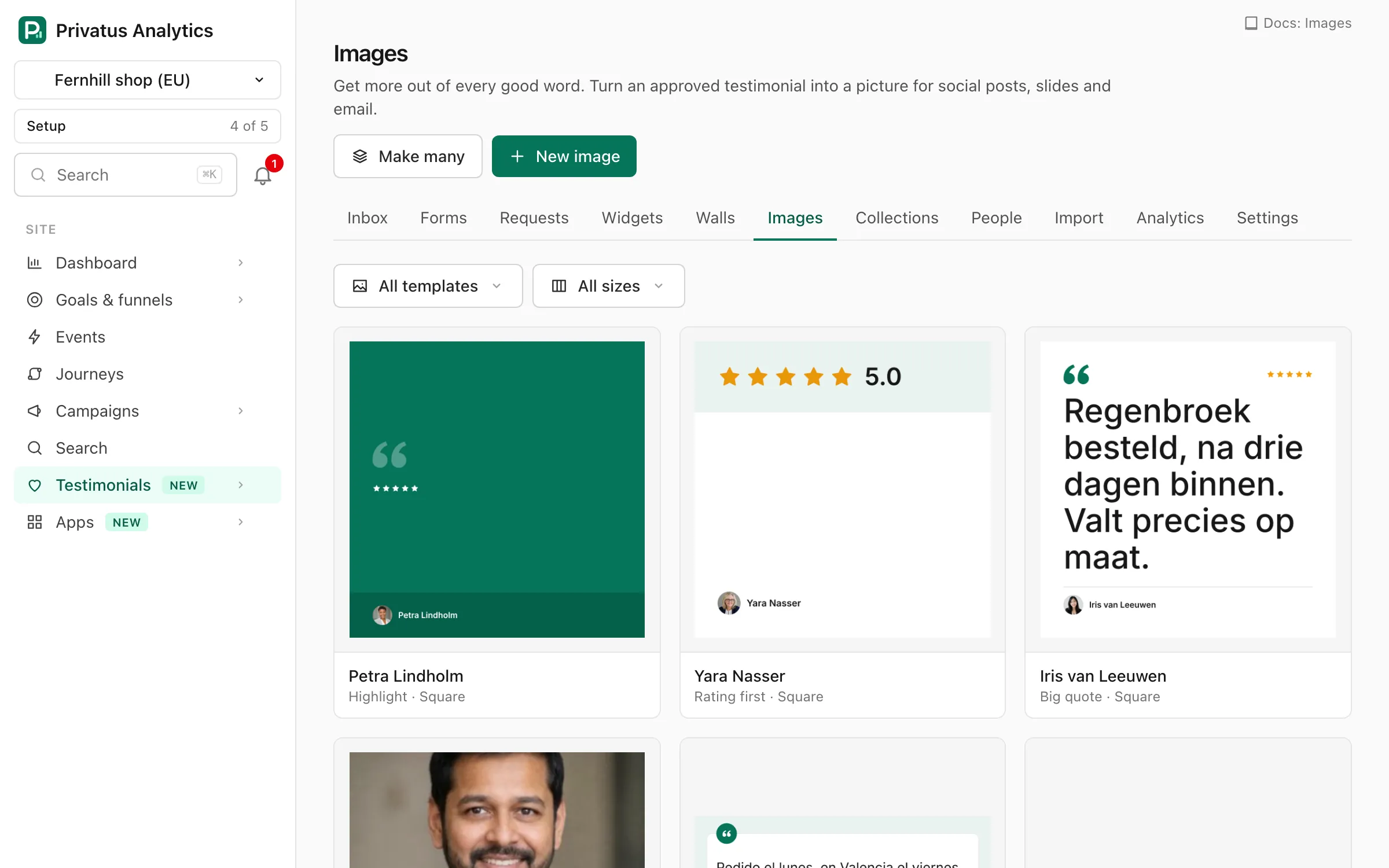
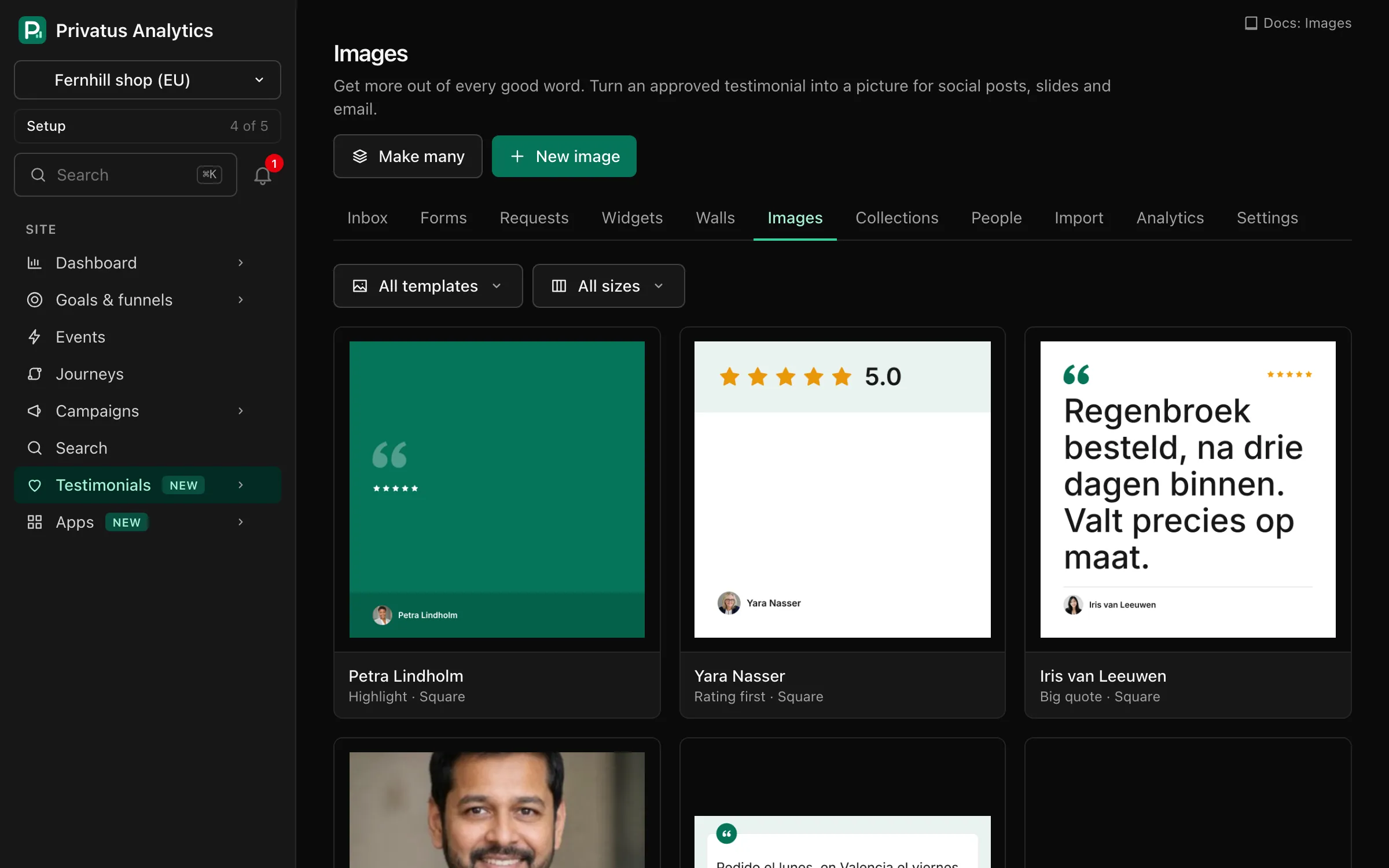
Turn an approved testimonial into an image for a social post, a slide or an email in one step, in your brand colors. There are 7 templates and 8 sizes to choose from.
One place
Praise ends up on review sites, in social posts, in emails, in support chats and in screenshots in someone's downloads folder. When you need the right quote, nobody can find it. Bring all of it into one library that the whole team can search.
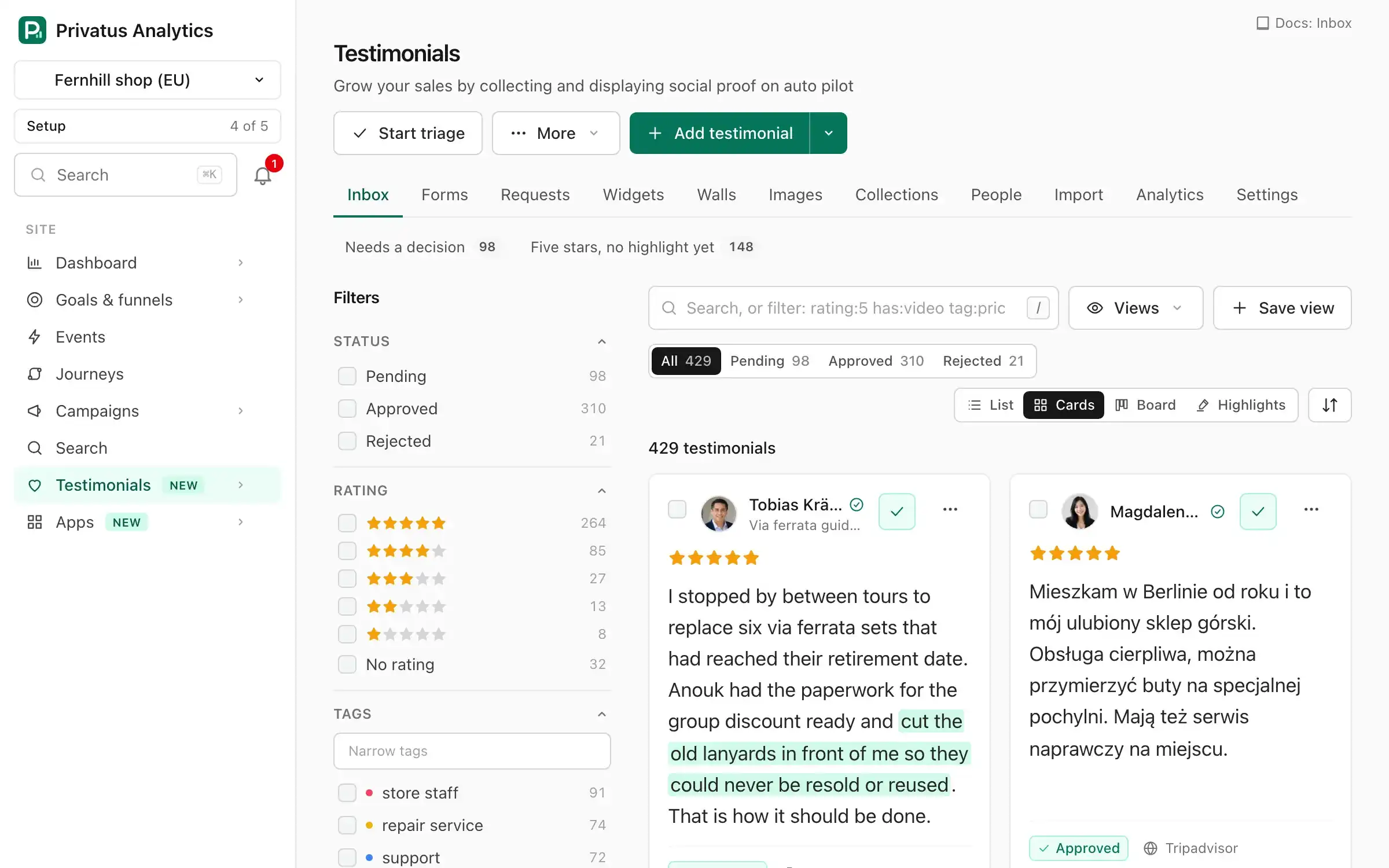
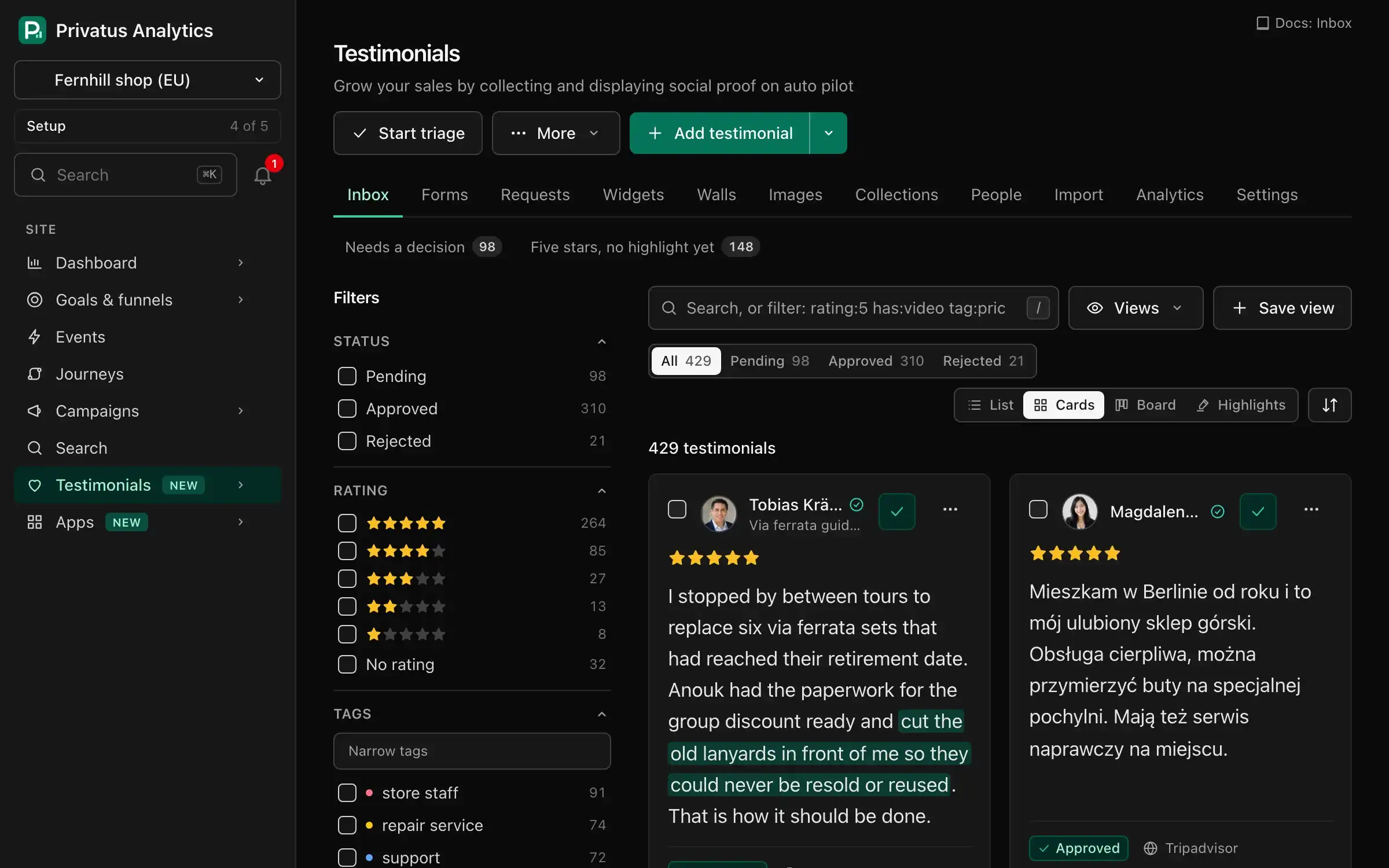
Paste the link to your reviews and choose which ones to keep. Imports never count toward your monthly number of new testimonials, on any plan, so everything can come in on day one.
More about importing testimonials Migrate from Senja Migrate from Testimonial.to
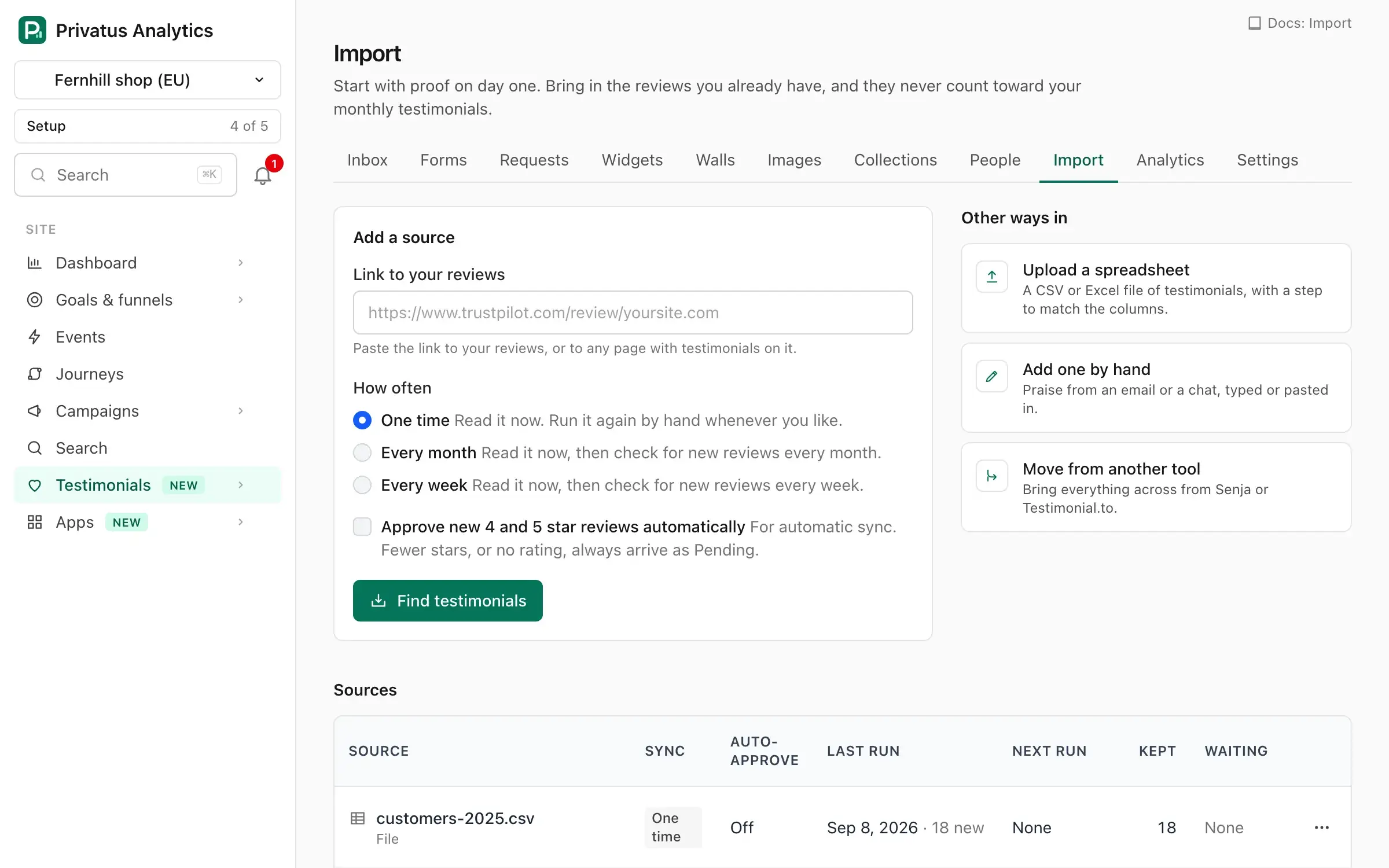
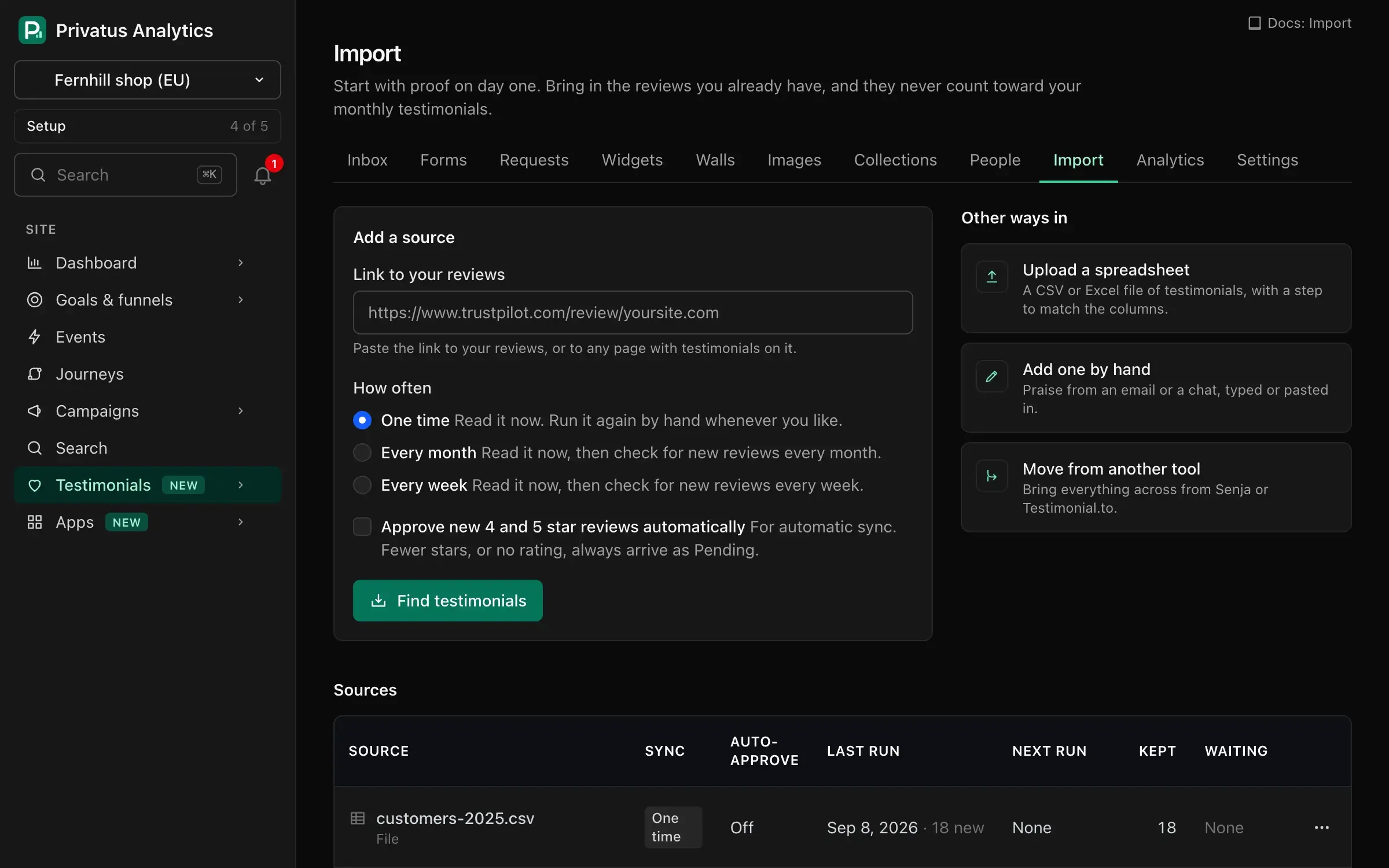
Trustpilot, G2, Capterra, Product Hunt, X, AppSumo, Tripadvisor, Chrome Web Store, Shopify App Store, WordPress plugin directory, Apple App Store, and Google Play. Paste the link to your profile and the reviews are read for you.
Praise on your own site or in a public post? Paste the address and the testimonials on that page are picked out for you to check.
Upload a CSV or Excel file and match its columns in one step. Or paste in the kind email you got this morning.
Paste your API key from the other tool, check what was found and keep what you want. Videos and photos are copied across.
Free runs 1 import from a review platform or a web page each month. Spreadsheets and moves from another tool are not limited.
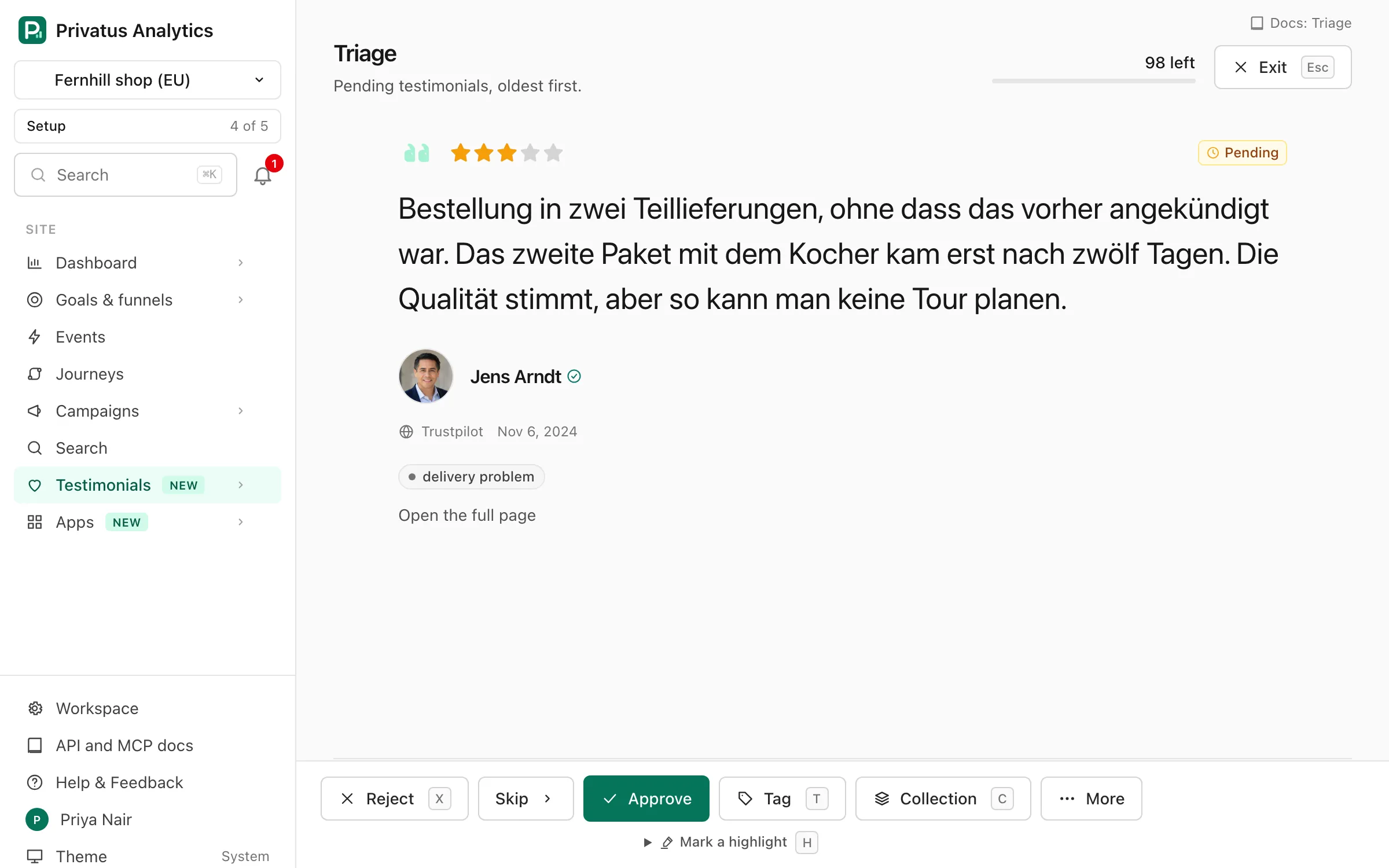
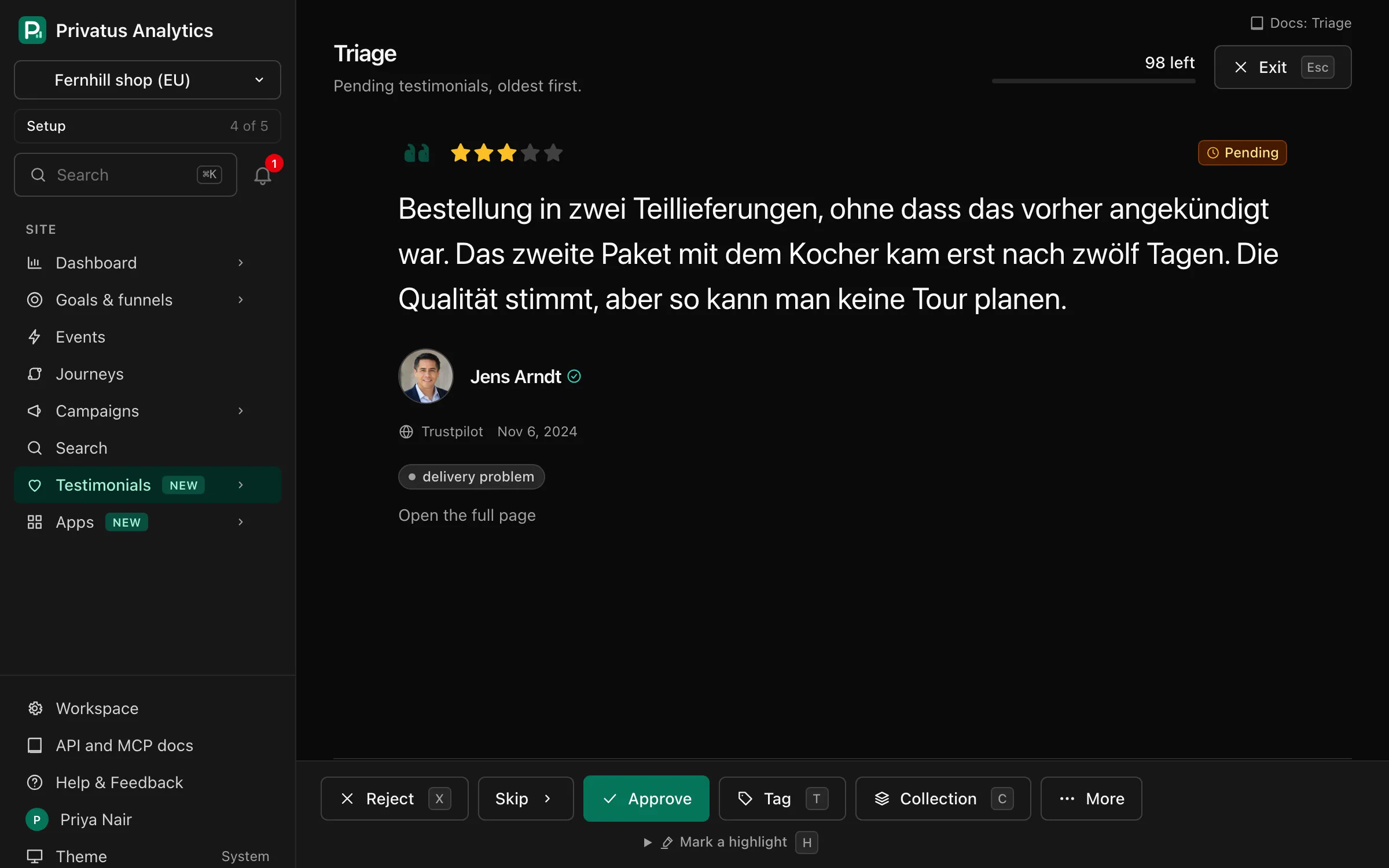
New testimonials arrive as pending, and nothing is shown anywhere until you approve it. Go through them one at a time, with one click or one key for each.
It runs itself
Collecting testimonials should not be a campaign you run twice a year. Put a link where your customers already are and leave it open. New words arrive by themselves, and you hear about each one.
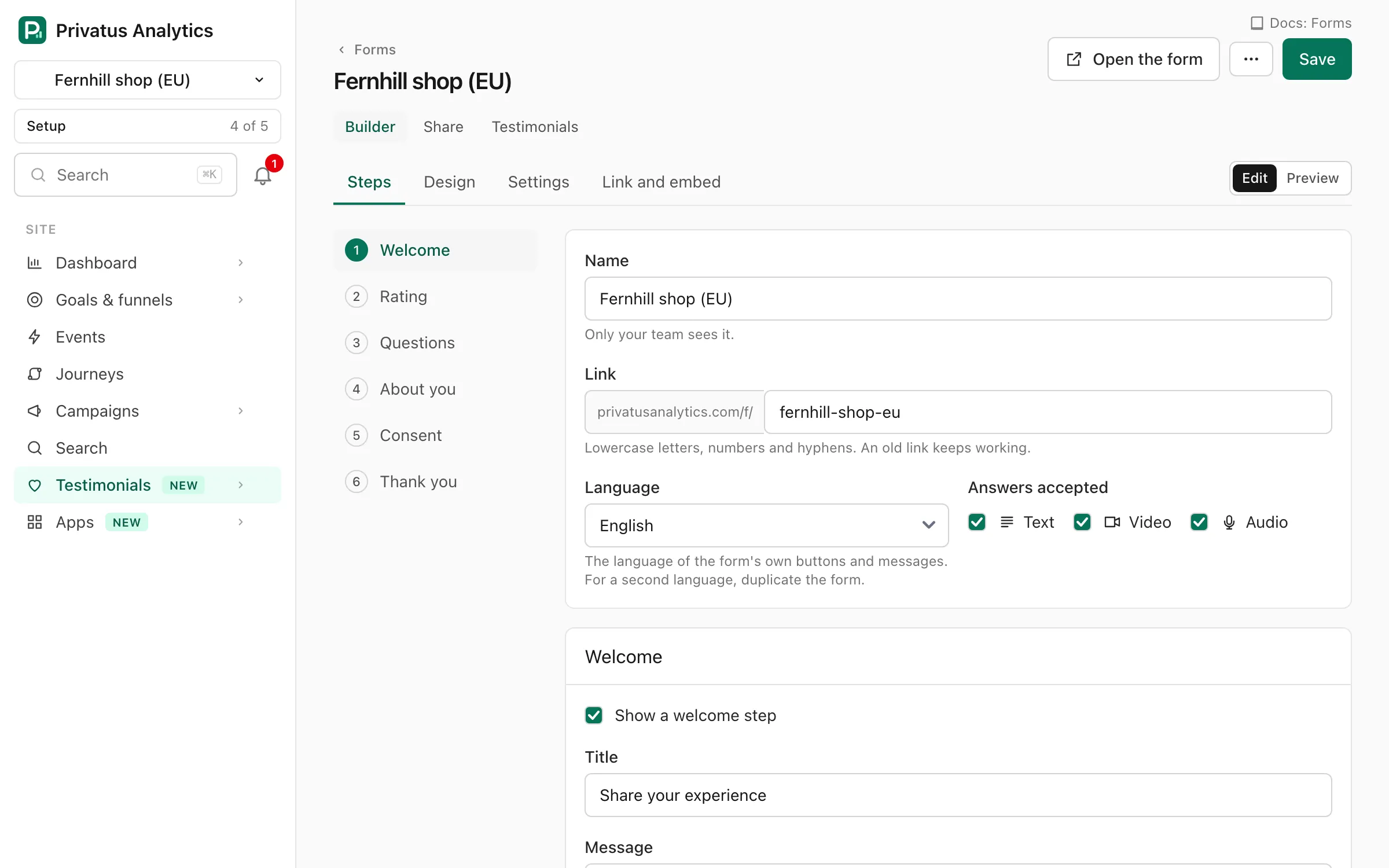
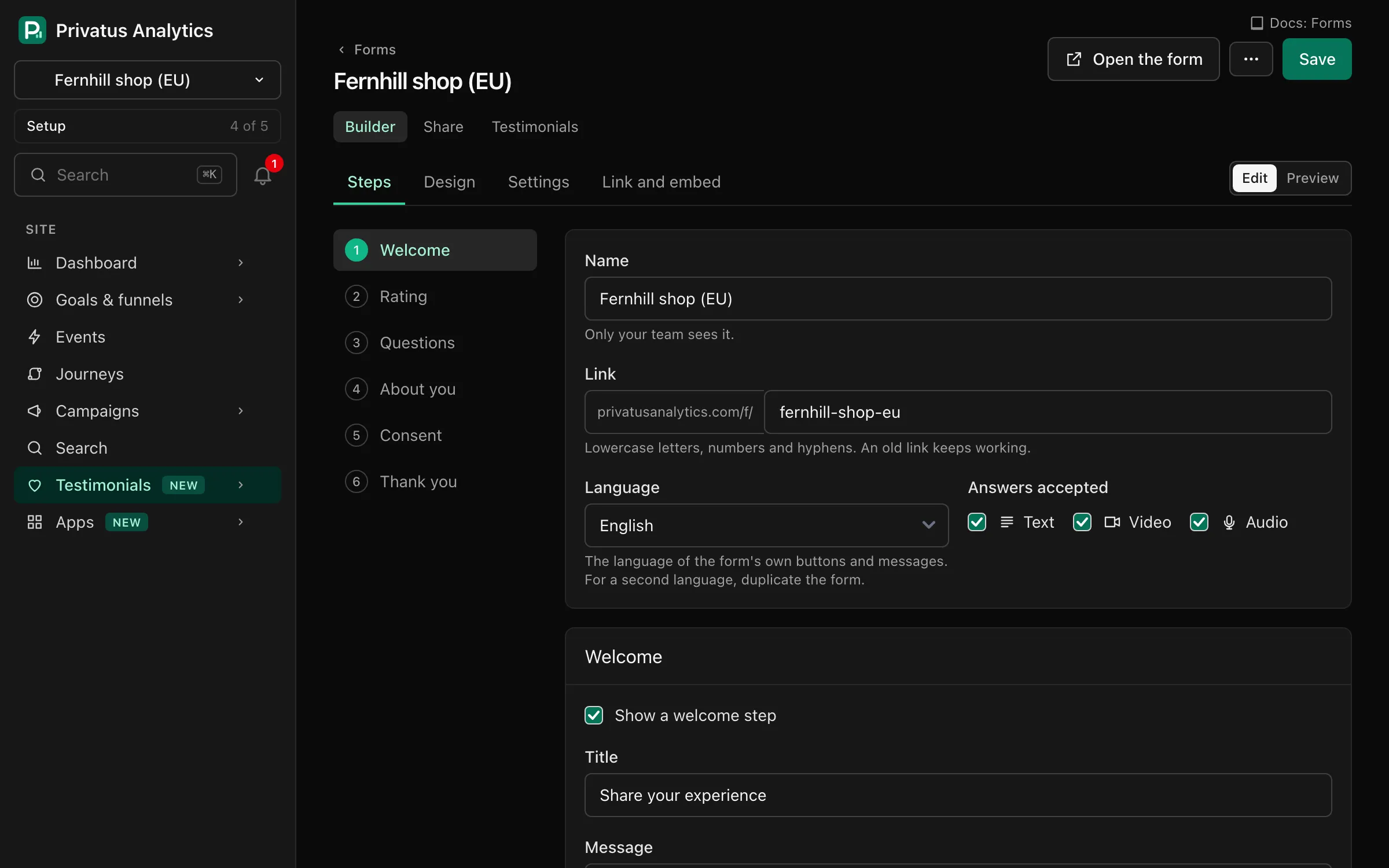
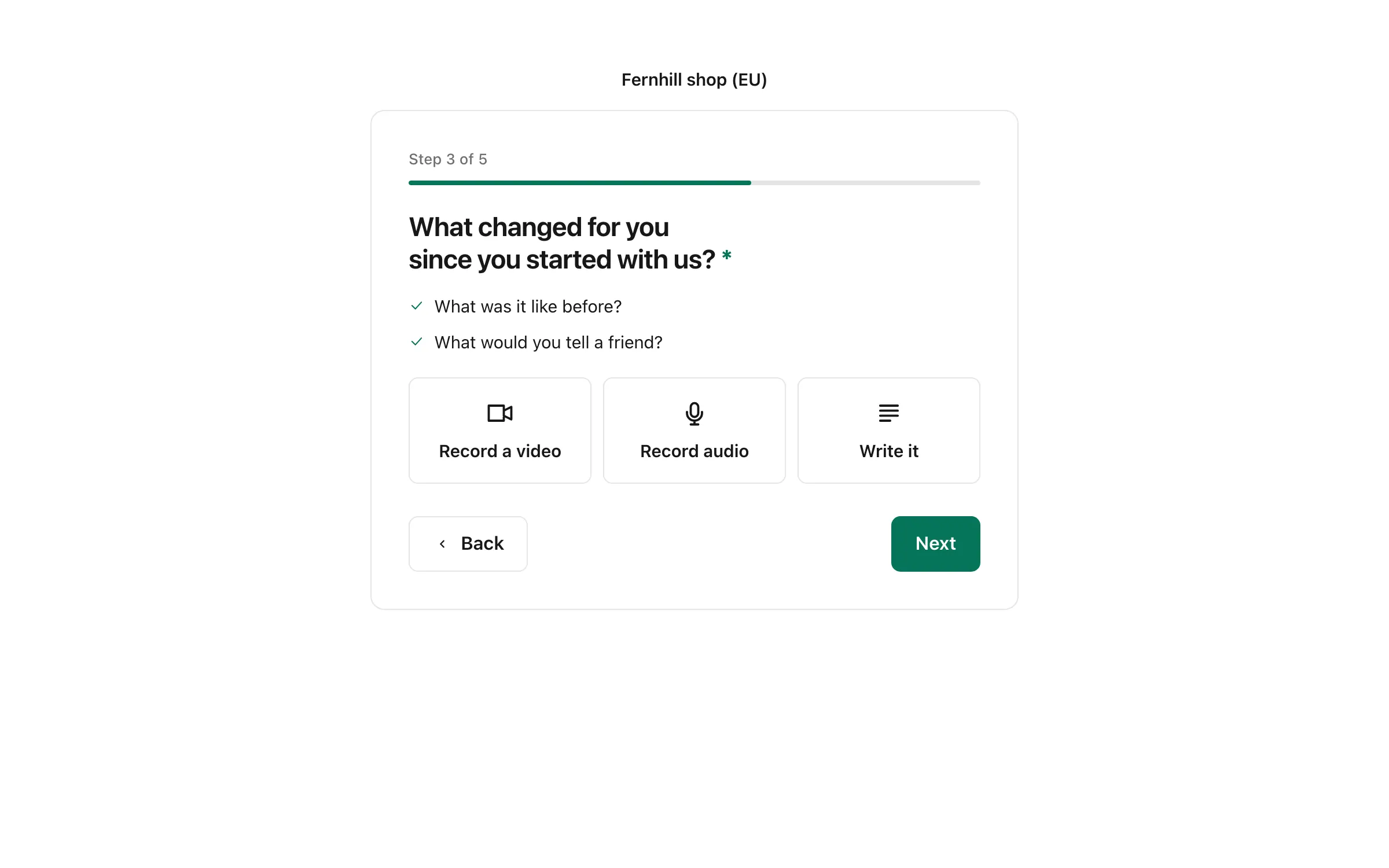
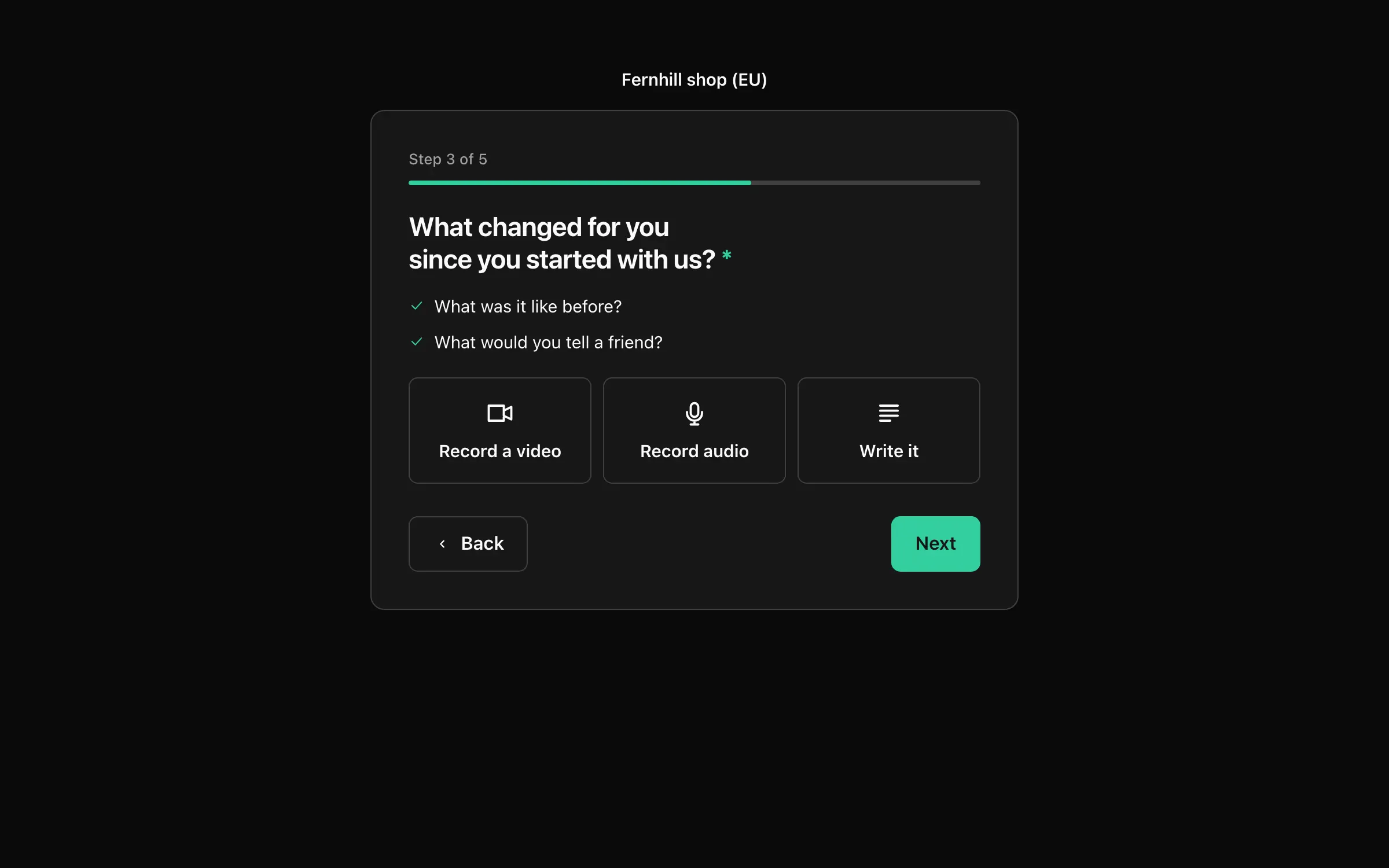
One question per step, in your colors, on any phone. Written answers on every plan, video and audio on Pro and Business.
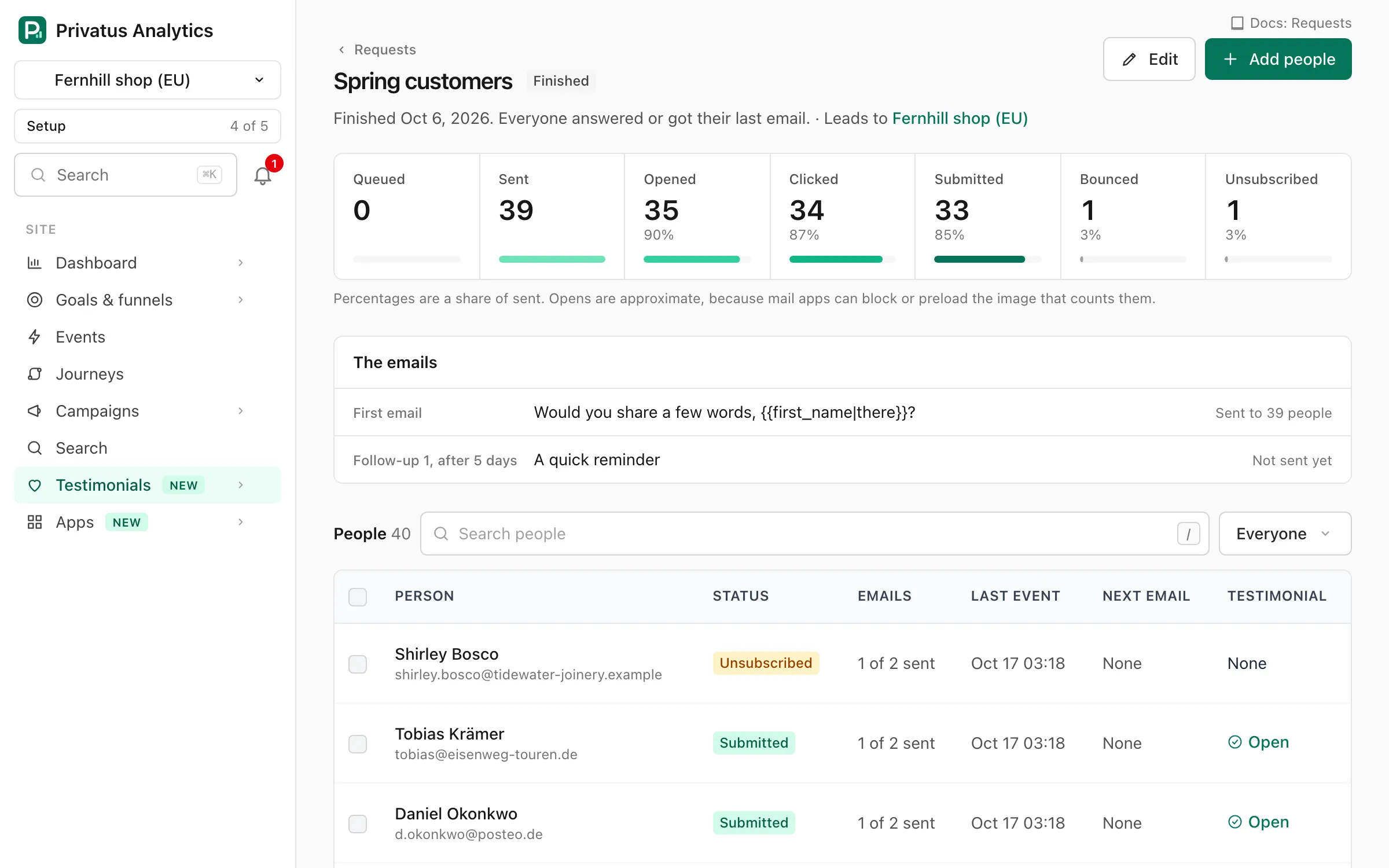
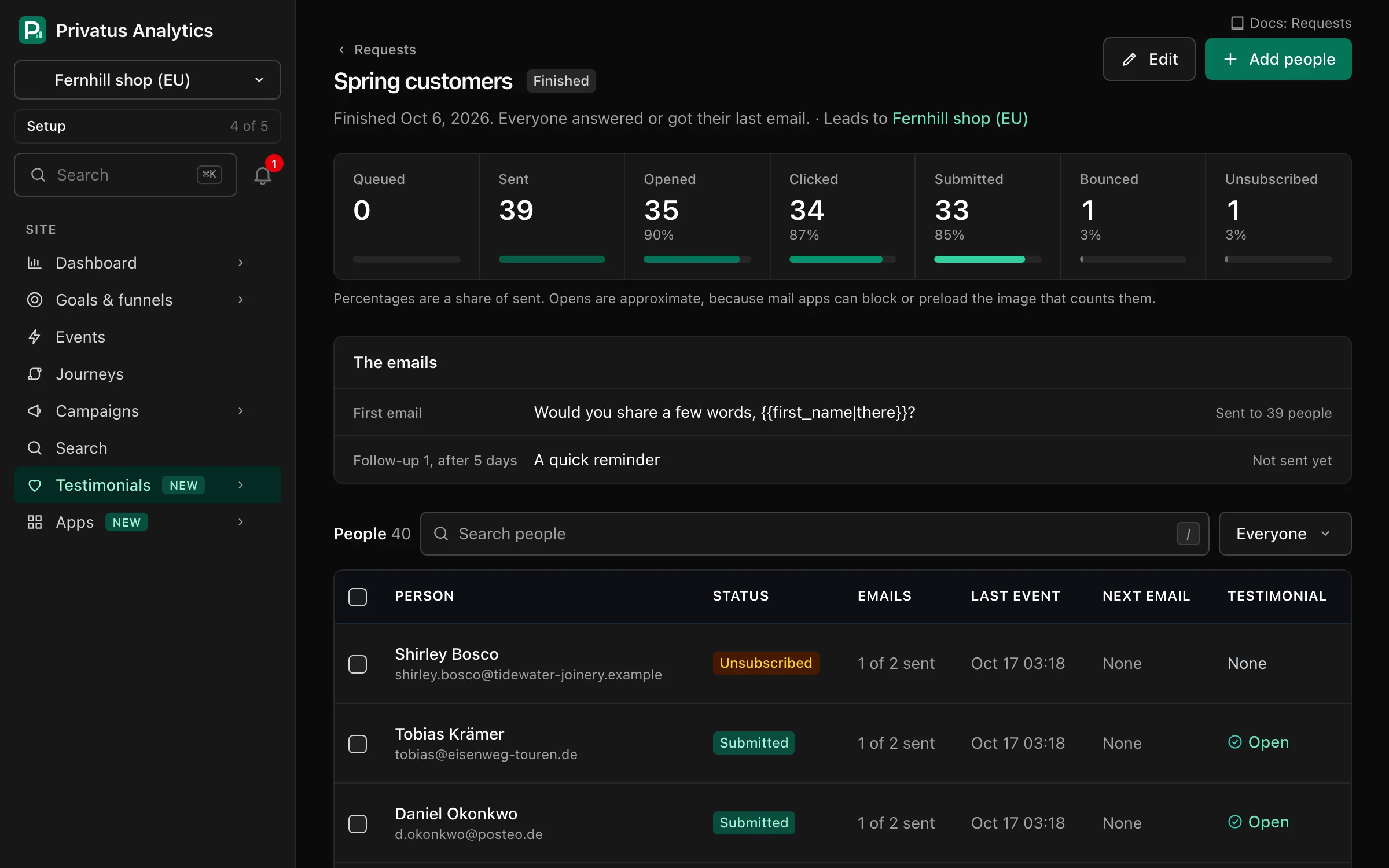
Connect your own email provider (Amazon SES, Postmark, SendGrid, Mailgun or Resend) and request emails go out from your address, not ours. Add up to 3 follow-ups, send one after each purchase, and see who opened, clicked and answered.
Learn from it
A library of testimonials is also the plainest record you have of what customers value and what bothers them. Connect your AI assistant and ask it across every testimonial and every piece of private feedback at once. Use the answers to steer your product and your wording.
What do customers praise most, and what do the 3 star reviews complain about?
It reads the words that come up most often with the rating that goes with them, then the testimonials behind them.
Which topics come up more in the last 90 days than in the 90 before?
Recurring words and phrases are counted for both periods, so a rising complaint shows early.
Tag everything that mentions delivery, then draft a case study from our best five about the repair service.
It can tag and sort for you, and write from the real words. It cannot delete anything.
Your assistant connects through the MCP server, on every plan. It signs in as you, and it can do what your role allows. Prefer code? There is an API too.
Fast and private
Trust is the point of the whole thing. So the widget is small, and it does not watch the people who read it.
That is the measured size of the widget script after compression. It loads alongside your page and never holds it up.
Widgets, walls and forms set no cookies and store nothing in the browser of the person looking at them.
A video shows its poster picture and loads only when someone presses play. Nothing plays by itself.
No IP address and no browser details are stored for a viewer or for the customer who wrote the testimonial. Widgets and walls load nothing from another company.
Forms use Cloudflare Turnstile to keep spam out, which you can switch off for a form.
Your logo, colors, fonts, corners and stars or hearts are settings on every plan. Business can also write its own CSS.
Make as many forms, widgets and walls as you need on every plan. Views are counted for your reports and never billed.
When a month's number is used up, a testimonial a customer sends is still stored in full and waits for the 1st or an upgrade. Everything already on your site keeps showing.
Plans
Testimonials is part of every Privatus Analytics plan. There is no second subscription. Pro starts at $9 a month and Business at $49 a month, and prices include tax.
| Included | Free | Pro | Business |
|---|---|---|---|
| New testimonials a month | 5 | 1,000 | 10,000 |
| Testimonial request emails, sent through your own email provider | - | - | |
| Imports from review platforms a month | 1 | Unlimited | Unlimited |
| Video and audio testimonials | Text only | Up to 2 minutes | Up to 10 minutes |
| Automatic re-sync of imported reviews | - | Monthly | Weekly |
| Custom CSS on widgets, walls and forms | - | - | |
| Requests sent after a purchase | - | - | |
| Rich snippets (review markup for search engines) | - | - | |
| Low ratings go to private feedback | - | - | |
| Testimonials without our badge | - | - | |
| Smart collections | - | - | |
| Automatic tagging rules | - | - | |
| Translation of testimonials | - | - | |
| Custom domain for walls and forms | - | - | |
| On every plan | Forms, widgets and walls without a count limit, every widget layout, your logo and brand kit, tags, collections, saved views, bulk actions with undo, duplicate detection, the trash, images, analytics, alerts, the API and the connection for AI assistants. A small "Collected with Privatus Analytics" badge shows by default, and Business can switch it off. | ||
If you move down a plan, nothing is deleted. A feature the new plan lacks is switched off and says so, and recordings you already have keep playing.
A real face and voice are easy to believe. Customers record in the browser, with nothing to install, on Pro and Business.
One page that shows how many people are glad they chose you, with its own link, ready to share anywhere.
Put a customer's words on the page where people decide. One snippet, your look, and it updates itself.
Bring in reviews from 12 platforms, any web page or a spreadsheet. Imports never count toward your month.
One link that stays open, so testimonials keep arriving. Shared as a link, a QR code or a popup, with request emails on Business.
Comparing tools? Privatus Analytics and Senja Privatus Analytics and Testimonial.to Privatus Analytics and Shapo
It is software that helps you ask customers for testimonials, keep them in one place and show them on your website. People also call it testimonial software. Testimonials in Privatus Analytics does all three, in the same account as your web analytics, so you can also see what the testimonials did.
Because trust is harder to earn. Anyone can write a confident sales page, so visitors look for something a company could not have written about itself. A named customer describing what changed for them is that thing.
Where people hesitate. That is usually the pricing page, the signup or checkout page and the landing page an ad points at. Then check the result with a goal, a funnel or an experiment, all in the same account.
Create a form and share its link, in an email you already send, as a QR code on a receipt or as a popup on your site. On Business you can also send request emails with follow-ups from your own address. More about forms and requests.
No. They open your link in any browser, type a few lines or record a video, and they are done.
Yes, from 12 review platforms, from any web page and from a spreadsheet. Imports never count toward your monthly number. More about importing.
Yes. Paste your API key from the other tool and your testimonials are read into a review step, where you choose what to keep. See the guides for Senja and Testimonial.to.
The widget script is 3.0 KB after compression and loads without blocking your page. Videos load only when a visitor presses play.
No. Widgets, walls and forms set no cookies and store nothing on the device of the person looking at them.
Yes, on Pro and Business. They record in the browser on a phone or a computer, or upload a file. A recording can run up to 2 minutes on Pro and up to 10 on Business. Free collects written testimonials.
Yes. Free includes 5 new testimonials a month, written ones, with forms, widgets and a Wall of Love. Imports do not count toward the 5. You do not need a card to sign up.
Nothing is lost. A testimonial a customer sends through a form is stored in full and waits until the 1st of the next month or until you upgrade. Everything already on your website keeps showing.
Yes, if you connect one. It can search, count, tag and summarize what your customers said, and read private feedback. It works with your permissions and cannot delete anything.
On Business, yes. On Free and Pro a small badge is shown. Your own logo is on every plan.
No. Testimonials works by itself. The widget has its own small script and does not need the analytics script on your site. With both, you can measure what a testimonial did.
Bring in the reviews you have, send one link and put the first quote on your pricing page this afternoon.
Your first workspace starts with 14 days of Pro, free. After that it moves to the free plan, with 10k events a month, 3 sites and 3 months of history. No card required.