Video testimonials
Video testimonial software that lets a customer's face do the convincing
A face and a voice are hard to fake and easy to believe. Send a link, your customer taps record on their phone, and their own words are ready for your pricing page. There is no app to install and no account to create.
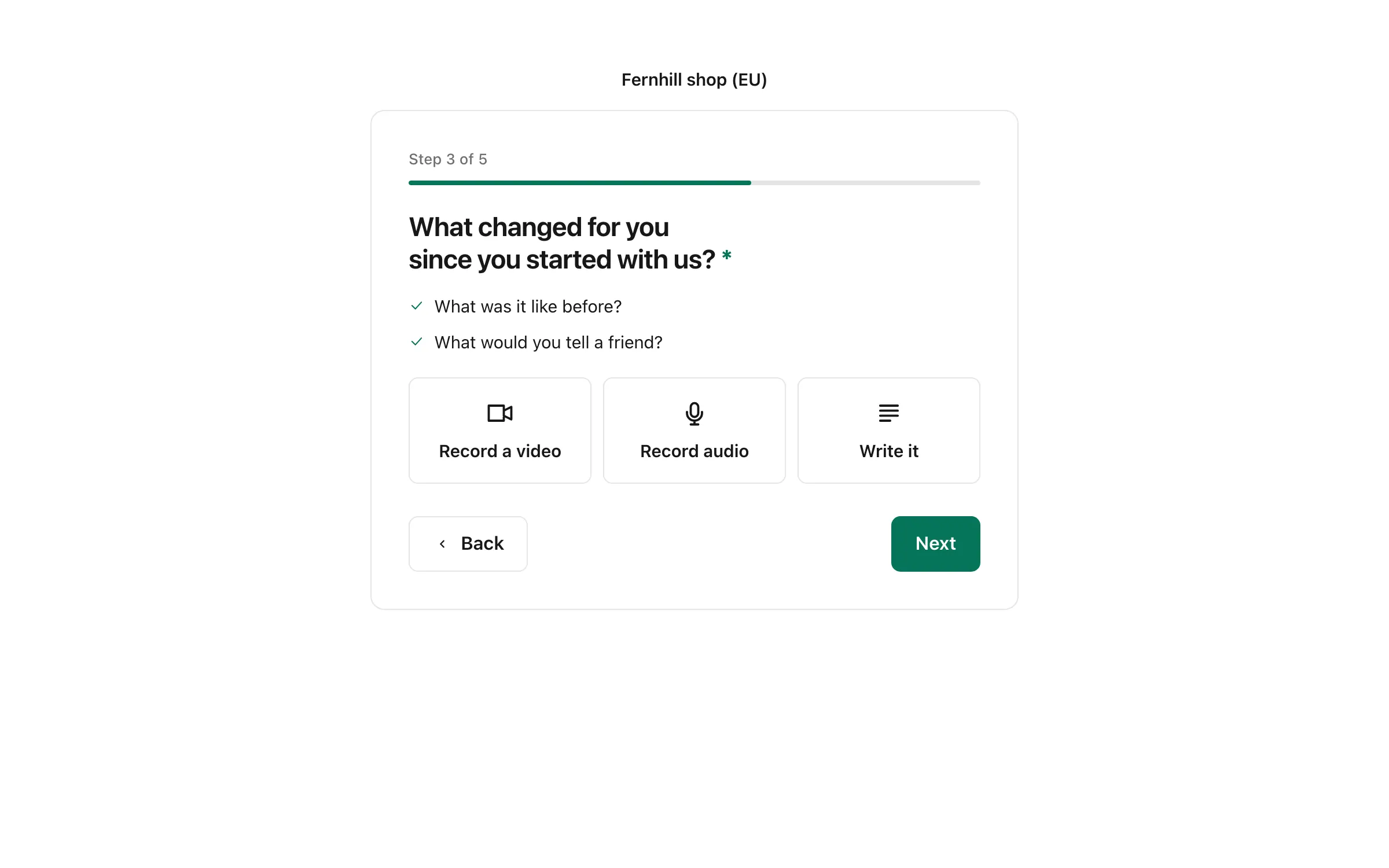
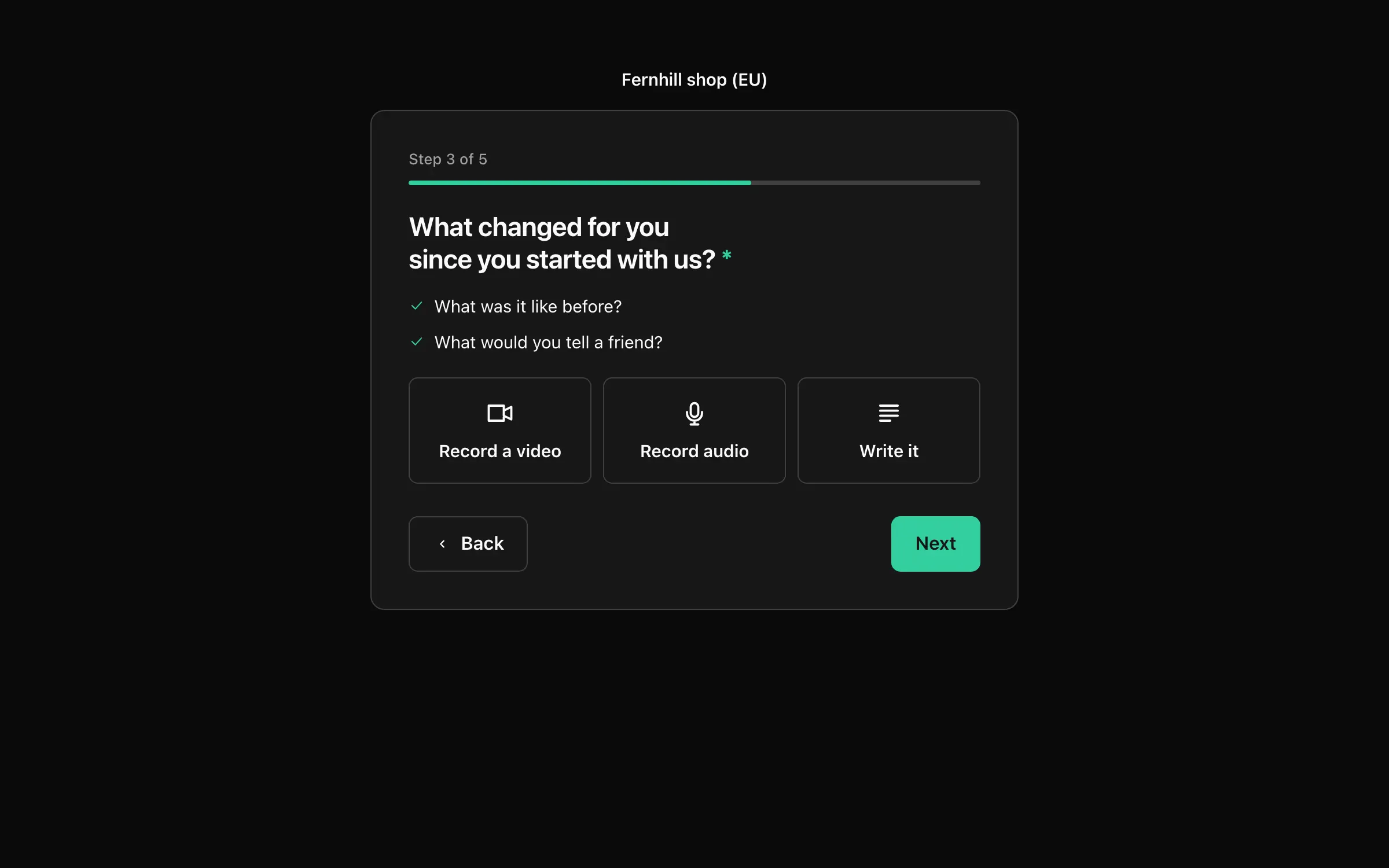
Nothing for customers to install
The recorder opens in the browser on a phone or a computer. There is a short countdown, a clock and a chance to watch it back before sending.
Voice for the camera shy
Not everyone wants to be on camera. An audio testimonial uses the same link and takes the same few taps.
Played from our servers
We store each recording and make a poster picture from it. There is nothing to host yourself and no separate video account to open.
Easy enough that customers really do it
Your form asks the question and offers to record. The browser asks to use the camera and microphone, a countdown runs and a clock shows how long is left. When they stop, they can watch it back, then use it or record again. Nothing leaves their device until they choose to use it.
- Works on phones and on computers
- Tips beside the recorder tell them what to say
- They can upload a file they already filmed, up to 500 MB
- Prefer not to film? They can record audio or write instead
Audio testimonials, for customers who prefer to use their voice
Some of your happiest customers will never film themselves. Let them record a voice note in the same form. For each form you choose whether to accept text, video, audio or all three.
Put the video where people decide
Approve a video and it can appear in any widget or on your Wall of Love, with its poster picture and a play button. A video loads when a visitor presses play and never starts by itself, so your page stays fast and quiet.
Bring in videos you already have
A move from Senja or Testimonial.to copies your videos across, and you can upload a file yourself when you add a testimonial by hand. See importing testimonials.
Questions and answers
How do I get video testimonials from customers?
Create a form that accepts video, share its link and ask. On Business you can also send request emails from your own address, with a follow-up for people who forget. The customer records in the browser, and you approve it.
Is there a limit on video length?
Up to 2 minutes a recording on Pro and up to 10 minutes on Business. An uploaded file can be up to 500 MB. You can set a shorter limit for a question.
Is video on the free plan?
No. Free collects written testimonials. Video and audio start on Pro.
Do customers need to install an app?
No. Recording happens in the browser. They can also upload a file instead.
Let your customers do the convincing
Bring in the reviews you have, send one link and put the first quote on your pricing page this afternoon.
Your first workspace starts with 14 days of Pro, free. After that it moves to the free plan, with 10k events a month, 3 sites and 3 months of history. No card required.