Traffic rules: block or allow hits
Use traffic rules to block or allow analytics hits by hostname, path, referrer, country, IP range, browser or event, for example to skip your office or staging.
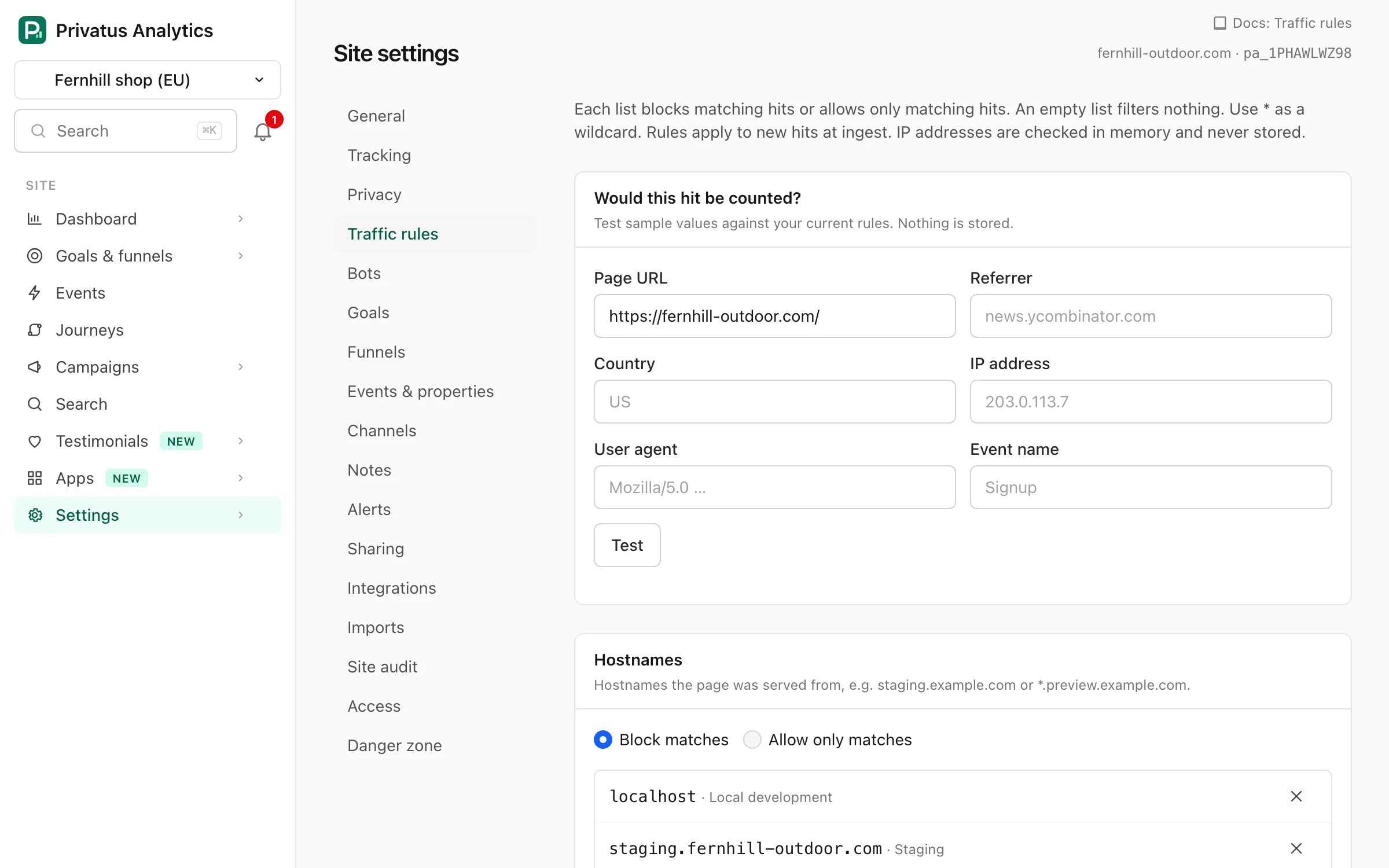
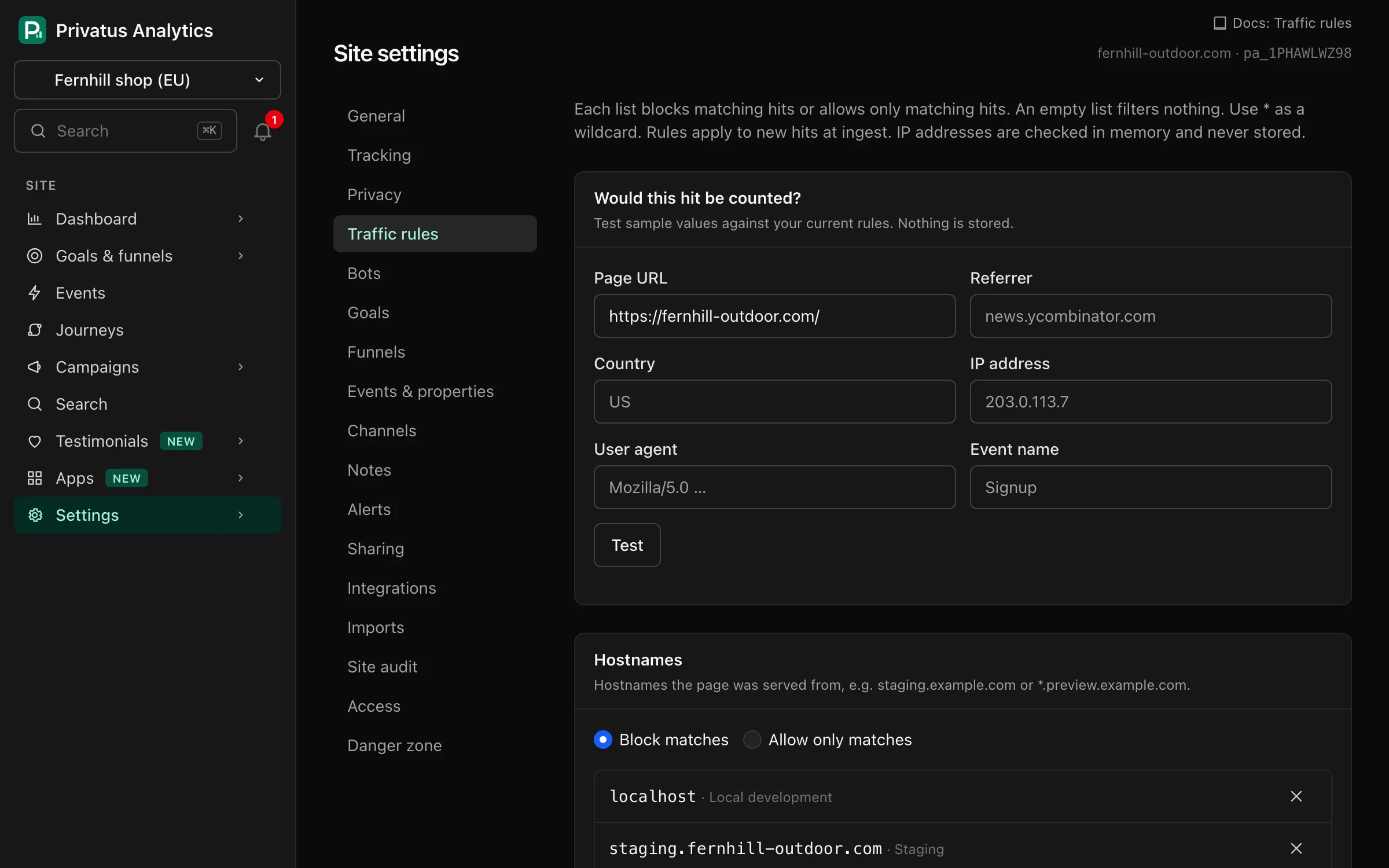
Site settings → Traffic rules has seven lists. Rules are checked at ingest, after bot filtering, and apply to new hits only. Data already stored is not changed.
Traffic rules are part of the Pro plan and above. On the Free plan the
tab says so: rules saved earlier are listed, can be deleted and are not
applied, and adding, changing or testing a rule responds with 402 with the
code plan_limit over the API and MCP. The standard bot filter runs on
every plan.
The lists#
| List | Compared with | Example |
|---|---|---|
| Hostnames | The hostname of the page | staging.example.com, *.vercel.app |
| Paths | The page path, before path masks, including any allowed query parameters | /admin/*, /internal/* |
| Referrers | The referrer's hostname, without www. or m. |
spam-site.example |
| Countries | The two-letter country code | US |
| IP ranges | The visitor's IP address. One IPv4 or IPv6 address or a CIDR range | 203.0.113.0/24 |
| User agents | Browser family and major version, such as Chrome 126. Not the raw User-Agent |
Chrome 79, HeadlessChrome* |
| Events | The name of a custom event. Pageviews and other hits are not checked against this list | debug_* |
Options#
| Option | What it does |
|---|---|
| Block matches (default) | Hits that match any pattern in the list are dropped |
| Allow only matches | Hits that match no pattern in the list are dropped |
| Pattern | The value to match. Required, at most 255 characters, unique within its list |
| Label (optional) | A note for your team, at most 100 characters. It doesn't affect matching |
- An empty list filters nothing, in either mode.
- Patterns are case-insensitive and must match the whole value.
*matches any run of characters (including/),?one character and{a,b}either alternative./admin/*does not match/adminitself. - IP ranges are compared as addresses, not as patterns.
- A hit is dropped as soon as one list drops it.
- A site can have at most 500 rules.
In allow mode a hit with a blank value doesn't match. An allow list of countries also drops hits whose country is unknown, and an allow list of referrers also drops visits without a referrer.
The test box#
Would this hit be counted? takes a page URL, referrer, country, IP address, User-Agent and event name, and tells you whether such a hit would be counted or which list would drop it. It only tests traffic rules, not bot filtering. Nothing you enter is stored.
Privacy#
IP ranges are checked in memory during ingest, like everything else about the IP. Blocked hits aren't stored. We only count them per day, list and country. The Traffic rules tab shows the totals per list for the last 30 days. Blocked hits don't count toward usage.
API and MCP#
Rules are managed with traffic_rules_list, traffic_rules_create,
traffic_rules_update, traffic_rules_delete and traffic_rules_test.
Set a list's mode with sites_update and traffic_rule_modes, for
example {"countries": "allow"}.
Common uses#
- Exclude your office or VPN: block its IP range.
- Ignore preview deployments: block
*.vercel.appor*.netlify.app, or allow only your production hostnames. - Only count one country for a local site: allow list with that country.