User journey paths
Explore the most common paths visits take through your site as a flow diagram, forward from a page or back from a goal, without following any one person.
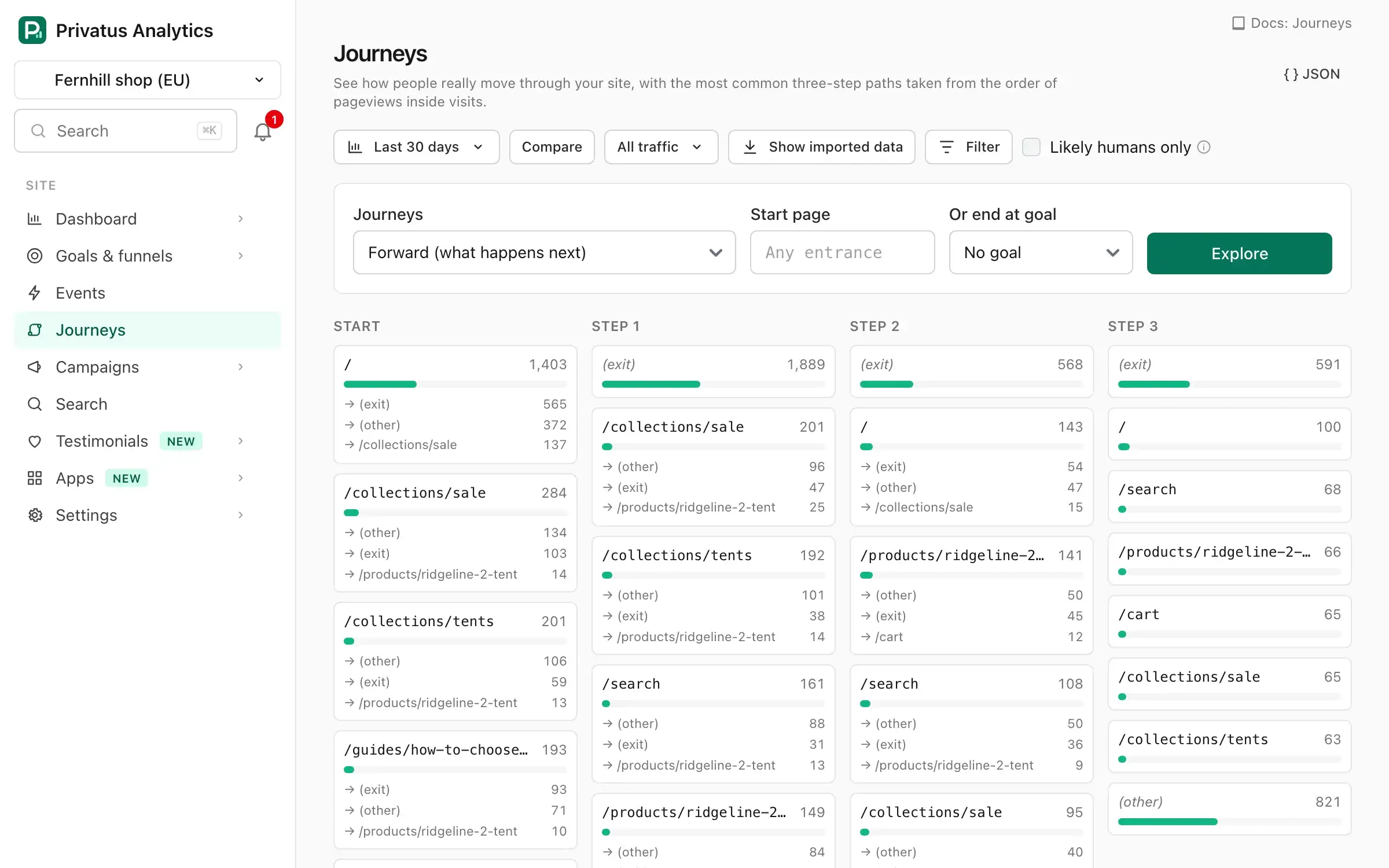
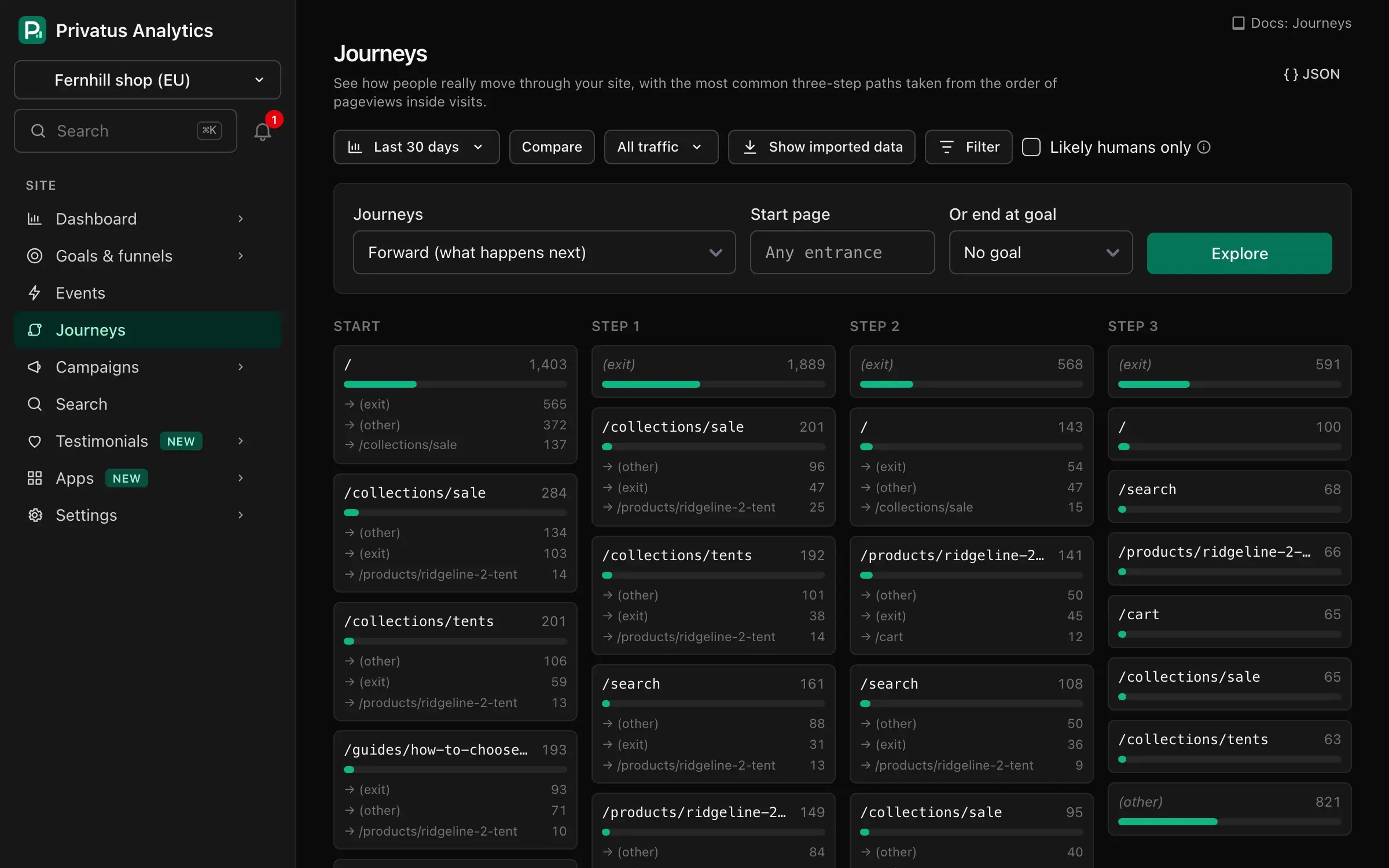
Journeys shows the most common three-step paths through your site as columns of pages, with the number of visits on each page and where they went next.
| Option | What it does |
|---|---|
| Forward (what happens next) | Starts at the Start page and shows the three pageviews that follow. Leave the page blank for Any entrance, which starts at the first page of every visit |
| Reverse (how people got here) | Ends at the End page and shows the three pageviews before it. Needs an end page or a goal |
| Start page / End page | A path that starts with /, matched exactly |
| Or end at goal | Shows the three pages viewed before the goal's first completion in a visit. Choosing a goal always uses the reverse direction |
Each column lists its six most common pages and groups the rest as (other). Where a visit starts or ends inside the three steps, the column shows the entrance or the exit. Click a page to explore from that page. Top complete paths lists the ten most common whole sequences.
The dashboard's date range and filters apply, except page filters, which would cut the paths.
Journeys are built from visits: the order of pageviews inside a visit. A visit never spans more than one day and isn't linked to other visits, so you see how people move through the site without following any one person.
When the period has more than 100,000 visits, paths are calculated on a sample of visits, and the sample rate is shown.
Over the API and MCP, journeys_explore (GET /sites/<site id>/journeys)
takes mode (forward or reverse), path, goal_id and limit (the
pages per column, from 2 to 12).